Email Tracker pour Outlook
Découvre qui ouvre tes emails directement depuis ta boîte Outlook.




Utilisé par des professionnels chez







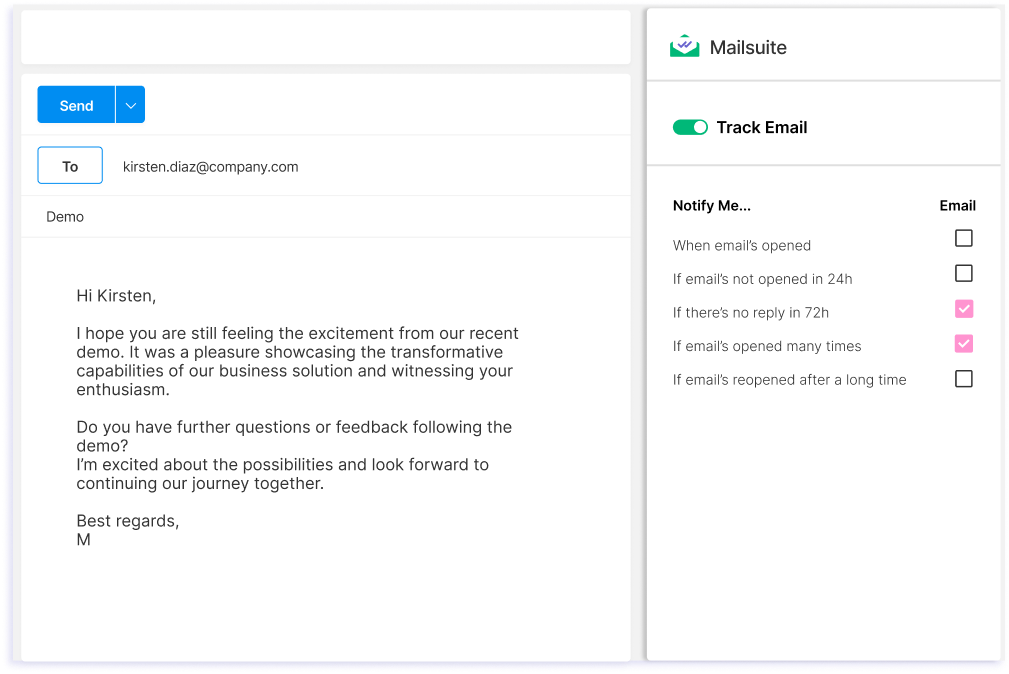
Envoie des emails avec tracking depuis Outlook
Envoie des emails avec tracking depuis Outlook en quelques clics grâce à la puissante technologie de Mailsuite.
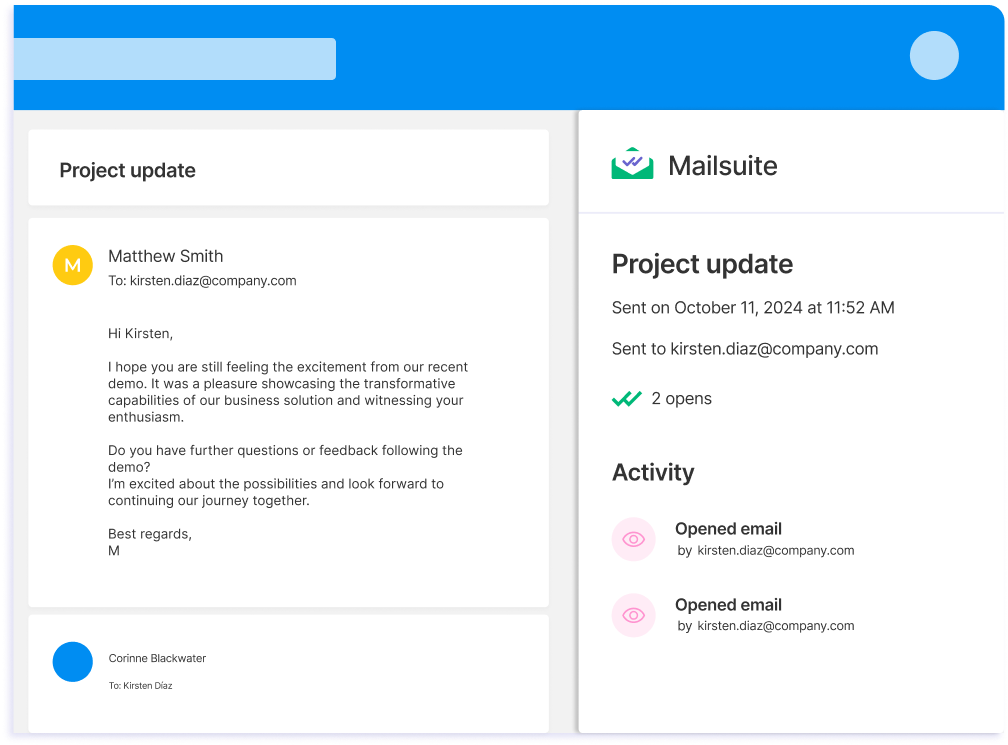
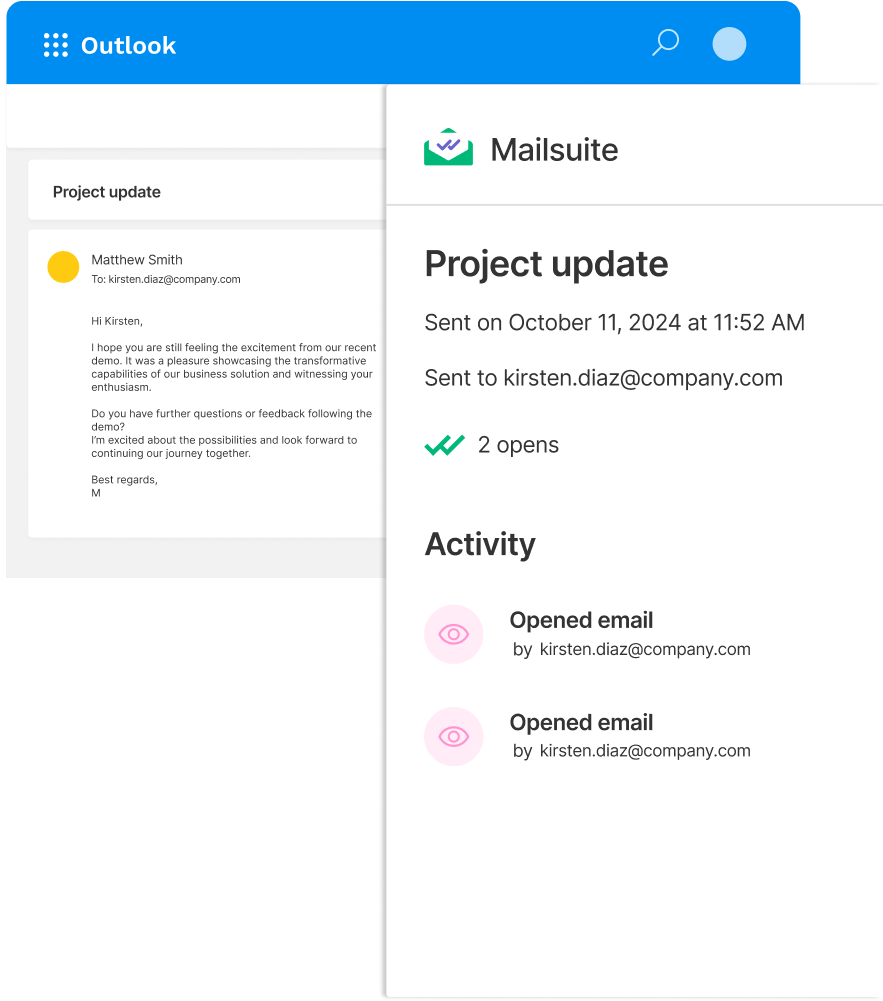
Consulte les données de tracking sans quitter Outlook
Découvre instantanément qui lit tes emails en consultant l’historique de tracking dans le module Mailsuite pour Outlook. Les données de tracking apparaissent directement dans Outlook. Une exclusivité Mailsuite.
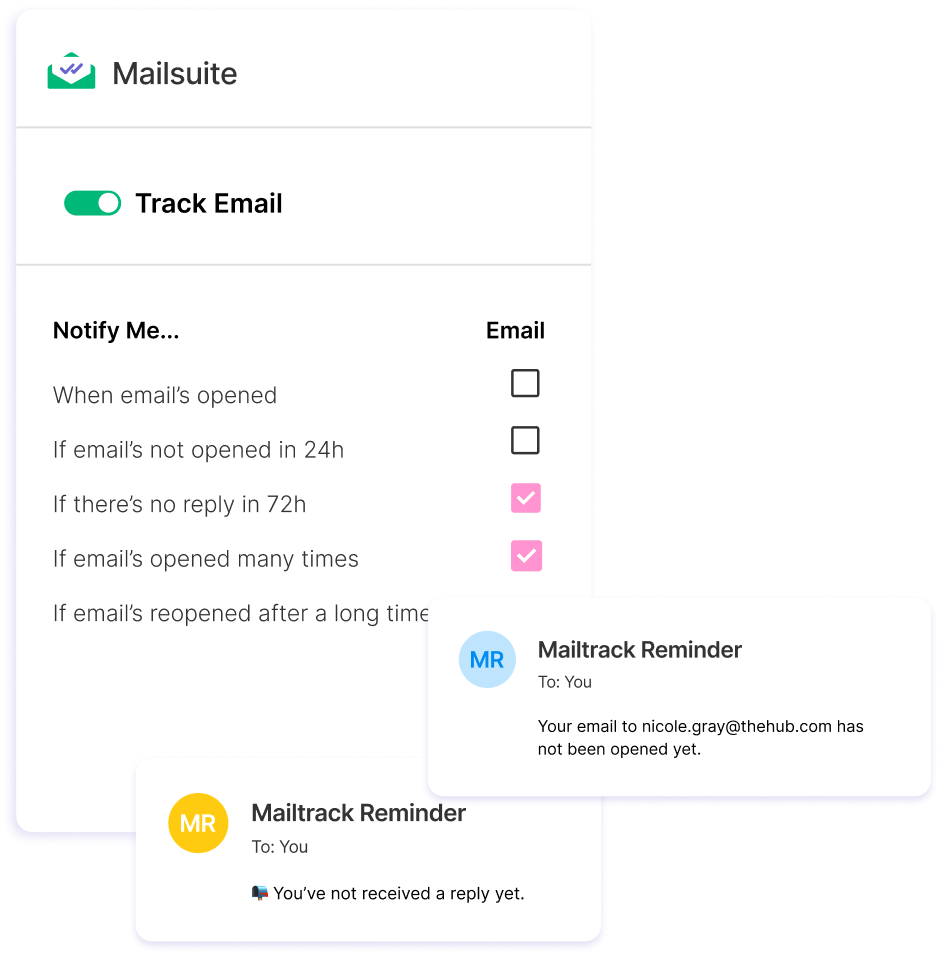
Garde le contrôle de tes emails avec des rappels de relance automatiques
Configure et reçois des rappels de relance personnalisés pour chaque email avec tracking que tu envoies. Sache si tes emails n’ont pas été ouverts ni lus, et reçois une alerte dans ta boîte pour relancer la conversation.
Comment envoyer un email avec tracking sur Outlook
-
Étape 1
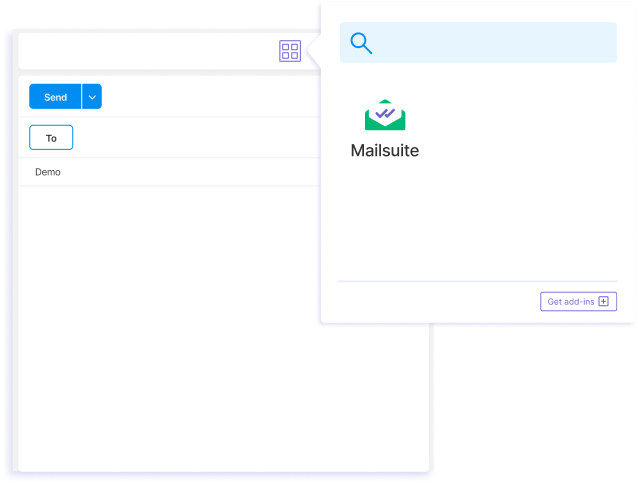
Rédige un nouvel email et sélectionne le module Mailsuite.
-
Étape 2
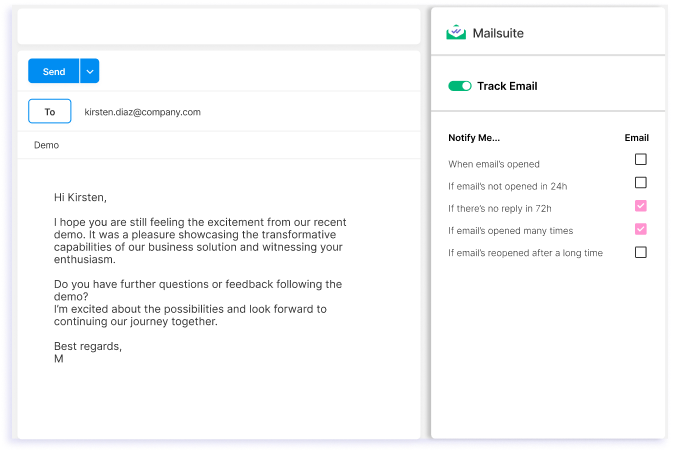
Active l’option « Track Email » et personnalise les paramètres de relance.
-
Étape 3
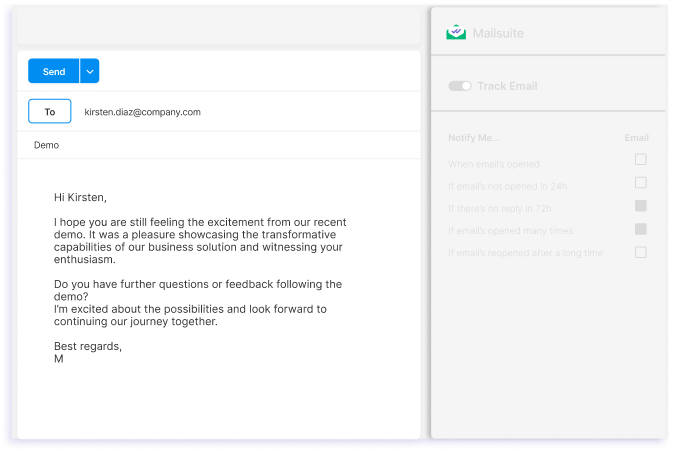
Envoie ton email.
Et bien d'autres fonctionnalités
Avec Mailsuite pour Outlook, tu peux suivre n’importe quel email envoyé sur Outlook en quelques clics, mais ce n’est pas tout. Voici d’autres fonctions dont tu profiteras.
Historique de tracking détaillé
Vois quand et combien de fois chacun de tes emails a été ouvert, directement dans Outlook.
Notifications en temps réel
Reçois des notifications par email dès que quelqu’un ouvre tes messages.
Garde tes données en sécurité
Mailsuite utilise le chiffrement AES-256 pour protéger tes données, et n'accède jamais au contenu de tes emails.
Tout depuis Outlook
Les données de tracking d’email sont accessibles directement dans Outlook. Pas besoin de consulter des plateformes tierces.
Reste toujours conforme au RGPD
Mailsuite est sûr à utiliser car il est entièrement conforme au RGPD et protège ta vie privée.
La confiance de millions d'utilisateurs
Plus de 2 millions de personnes utilisent Mailsuite pour suivre leurs emails.
FAQ
Toutes tes questions sur le tracking d’email sur Outlook, résolues
-
Comment fonctionne Mailsuite pour Outlook ?
Mailsuite pour Outlook apporte les puissantes fonctions de tracking d’email de Mailsuite dans ta boîte Outlook, et tu peux l’installer gratuitement depuis le Microsoft Store. Il s’intègre directement aux fonctions d’Outlook et y ajoute le tracking d’email. À noter : l’extension Mailsuite pour Chrome doit être installée pour utiliser Mailsuite pour Outlook. -
¿Cómo veo el historial…
placeholder -
placeholder
placeholder -
placeholder
placeholder -
Le tracking d'emails est-il sûr ?
placeholder -
placeholder
placeholder
Centre de confidentialité et sécurité
Les services de Mailsuite et Mailtrack sont utilisés par plus de 116 000 abonnés payants et entreprises dans le monde entier.
Lire la suite