Ajoute un filigrane à ton PDF en quelques secondes
- Protege tus derechos de autor y añade marcas de agua en cuanto adjuntes archivos a tus emails
- Dissuade les usages non autorisés grâce à des marques de confidentialité bien visibles
- Fonctionne sans effort avec Gmail pour un flux de travail simple

Approuvé par +3M utilisateurs




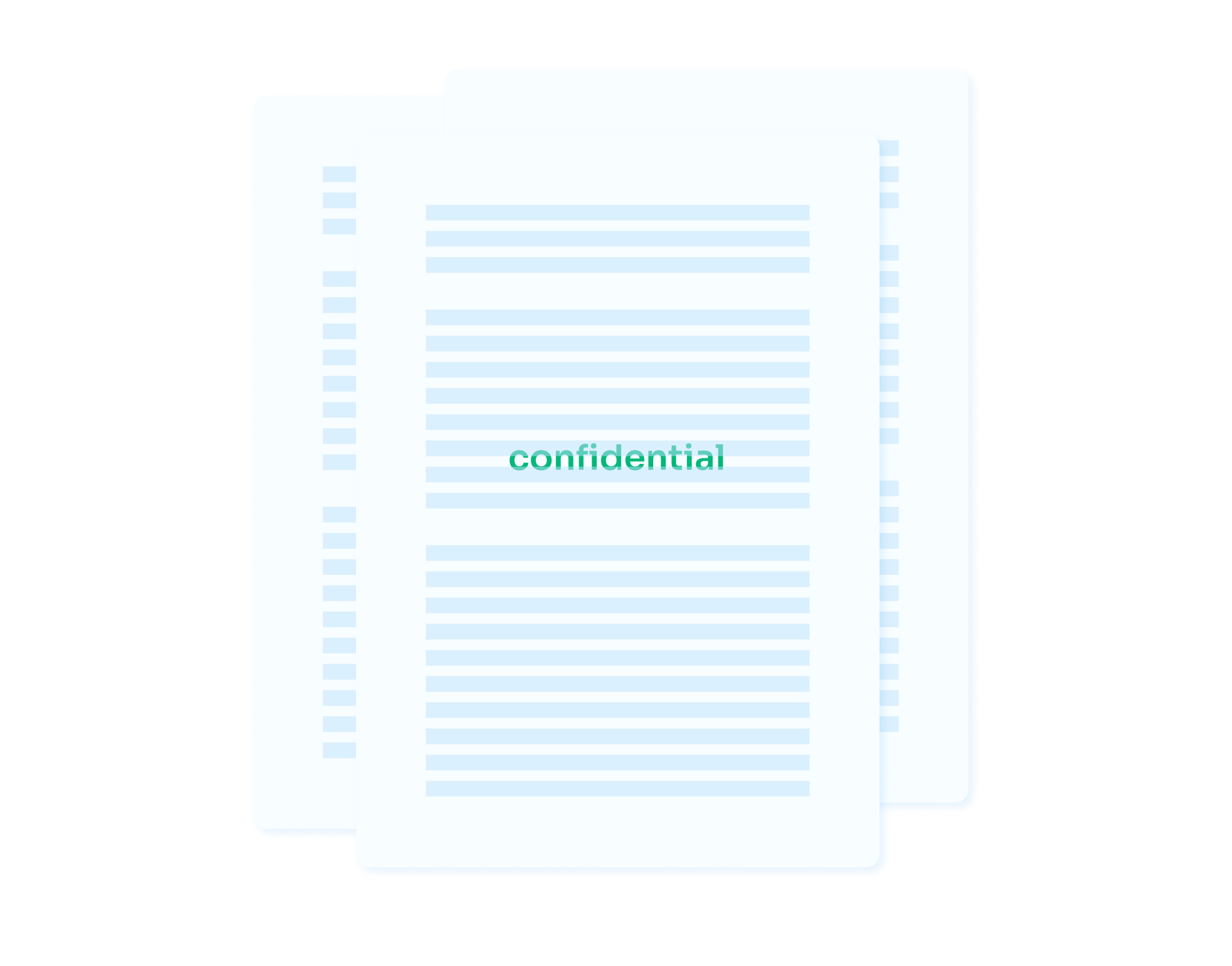
Utilisé par des professionnels chez







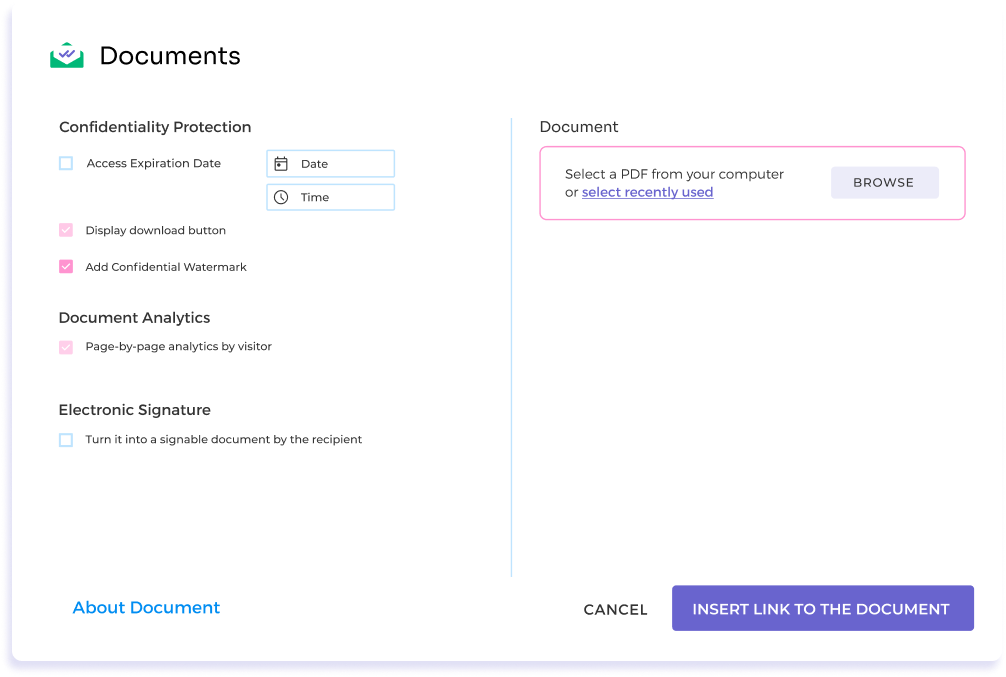
Pon una marca de agua directamente desde tu bandeja de entrada
Ajoute facilement des filigranes confidentiels à tes PDF sans quitter ta boîte de réception. Cette intégration totale garantit que la sécurisation de tes documents n'interrompt pas ton travail.
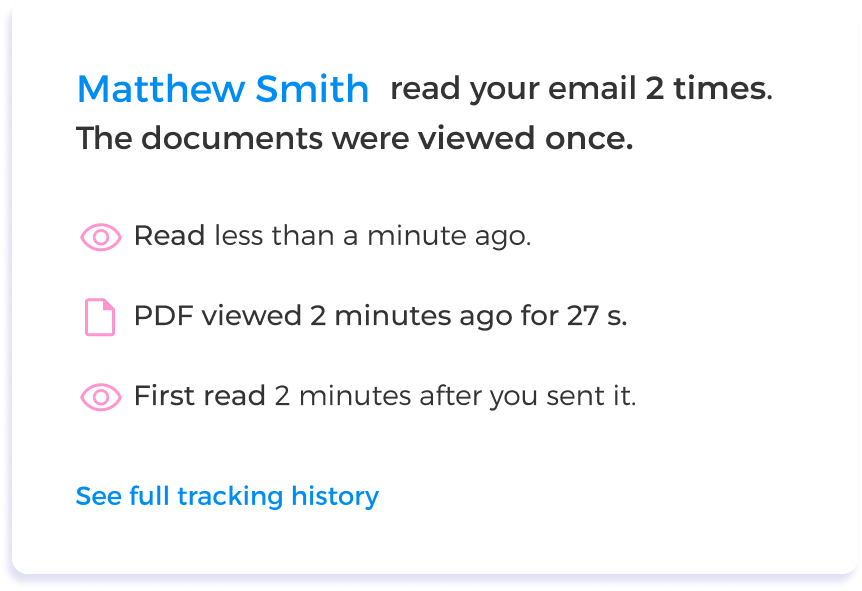
Surveille ton document avec filigrane
Que tu gères des contrats sensibles, de grandes présentations ou des rapports confidentiels, notre plateforme te permet de savoir si quelqu'un a reçu ton document avec filigrane et s'il l'a consulté ou non.
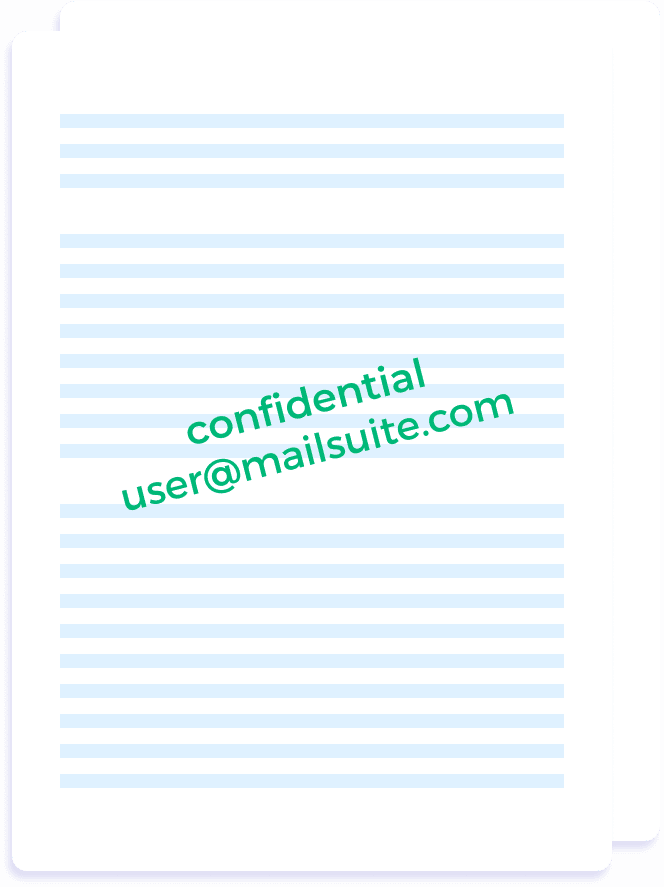
Un marquage clair et distinct
Les destinataires reçoivent le PDF avec un filigrane confidentiel visible et leur adresse email, aussi bien à l'affichage qu'au téléchargement, garantissant confidentialité et authenticité.
Commencer, c'est facile
-
Étape 1
Importe ton PDF
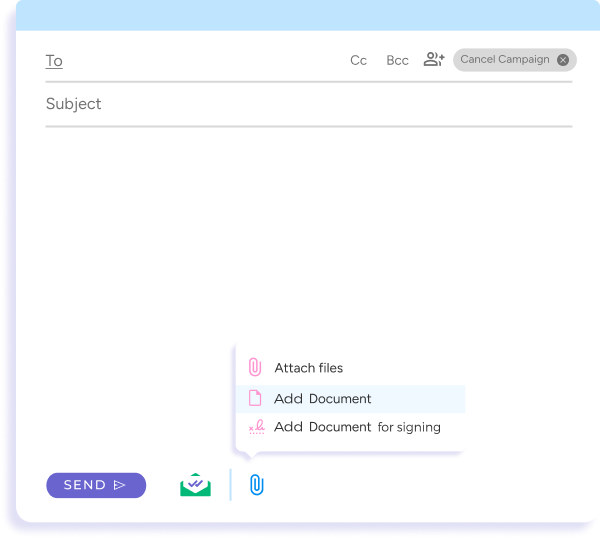
Rédige un nouvel email dans Gmail. Pour joindre un PDF et le suivre, clique sur Joindre, puis sur Ajouter un document.
-
Étape 2
Applique ton filigrane
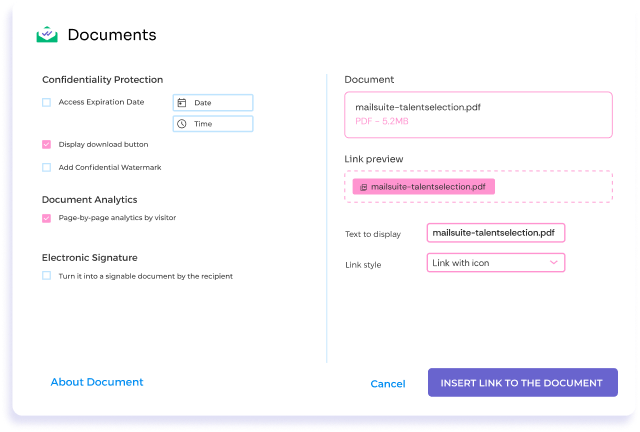
Décide qui peut accéder à ton document PDF, quand et comment, et active des statistiques page par page pour chaque destinataire.
-
Étape 3
Clique sur Envoyer !
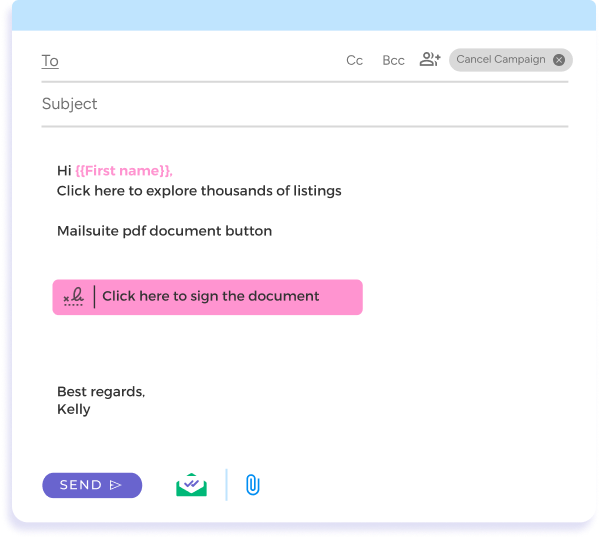
Il te suffit de cliquer sur envoyer pour livrer ton fichier.
FAQ
Tes questions sur le filigrane confidentiel des PDF, résolues
-
Comment ajouter rapidement un filigrane confidentiel à mes PDF ?
Avec Mailsuite, tu ajoutes un filigrane confidentiel à tes PDF sans effort. Cet outil te permet de l'ajouter en un seul clic en joignant le document à ton email, une alternative efficace aux méthodes traditionnelles comme Adobe Acrobat, Microsoft Word ou Aperçu -
Le filigrane s'applique-t-il à toutes les pages de mon PDF ?
Par défaut, le filigrane est ajouté à toutes les pages de ton document PDF -
Comment Mailsuite se compare-t-il aux autres méthodes de filigrane ?
Mailsuite est conçu pour fluidifier l'envoi d'emails et le rendre plus efficace que les méthodes traditionnelles. Il te permet d'ajouter des filigranes directement depuis Gmail, élimine les étapes inutiles et l'usage d'autres logiciels, et offre le tracking de documents pour voir quand tes destinataires ouvrent ton email et accèdent au PDF joint -
L'ajout d'un filigrane avec Mailsuite est-il sécurisé ?
Quand tu utilises Mailsuite pour ajouter un filigrane, tes documents restent dans ton environnement email sécurisé du début à la fin. Pas besoin d'envoyer tes fichiers vers une plateforme externe, ce qui te permet de garder le contrôle sur tes informations sensibles et de réduire ton exposition aux risques de sécurité -
Quels sont les avantages d'ajouter un filigrane à mon PDF ?
Ajouter un filigrane à tes documents PDF offre plusieurs avantages : renforcer leur sécurité en identifiant leur origine, authentifier les documents importants et empêcher tout usage ou reproduction non autorisés. Le filigrane sert de signal visuel qu'un document est protégé, dissuadant les usages abusifs
Centre de confidentialité et sécurité
Les services de Mailsuite et Mailtrack sont utilisés par plus de 116 000 abonnés payants et entreprises dans le monde entier.
Lire la suite