Transforme tes emails en conversations grâce à la vidéo
Enregistre et envoie des vidéos professionnelles par email directement depuis ta boîte de réception.

Approuvé par +3M utilisateurs




Utilisé par des professionnels chez








Crée de vraies connexions par email
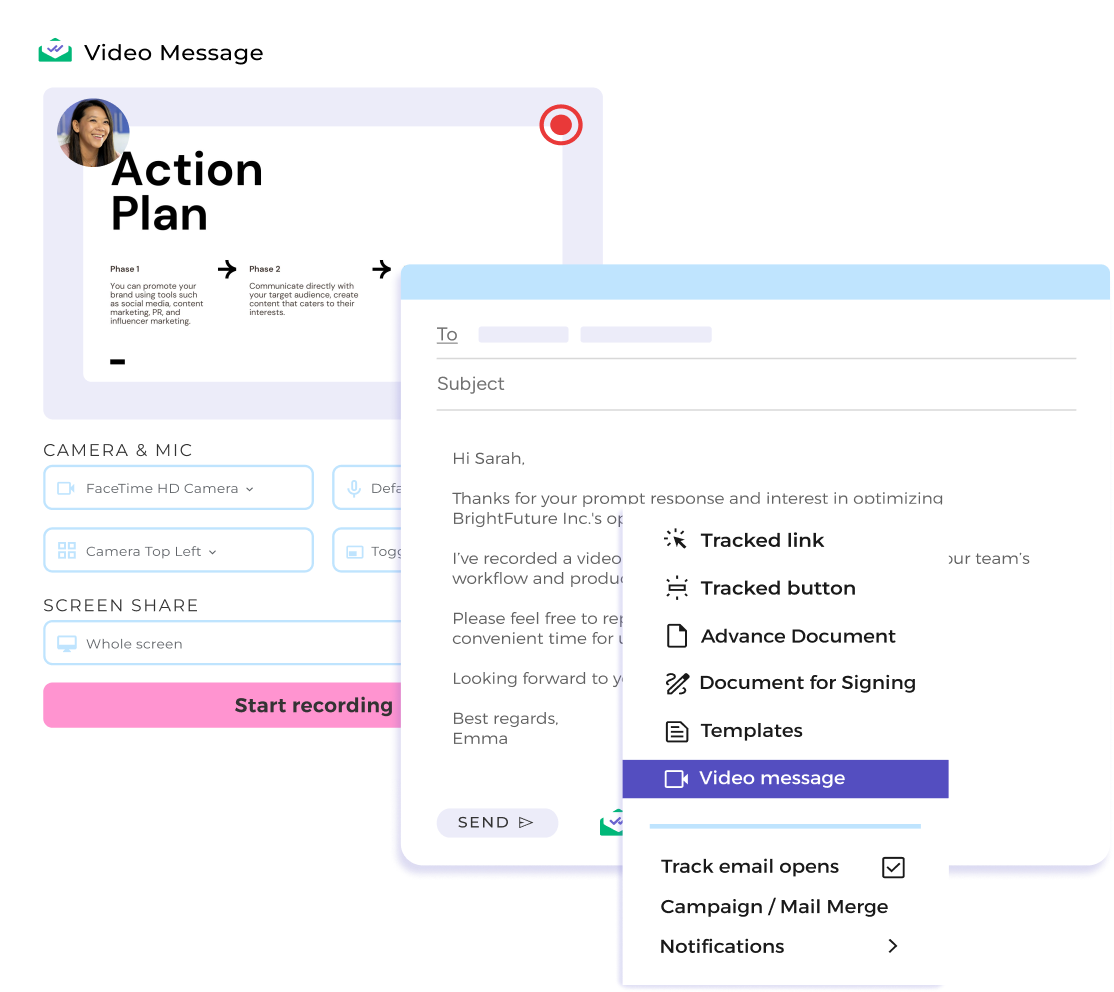
Les vidéos par email révèlent ta personnalité et génèrent confiance et liens authentiques, essentiels pour conclure des accords importants. Comme elles partent directement de ton Gmail, les vidéos de Mailsuite rendent ta communication personnelle et authentique, sans dépendre de plateformes externes impersonnelles. Cette approche directe renforce ton message et cultive de vraies relations.
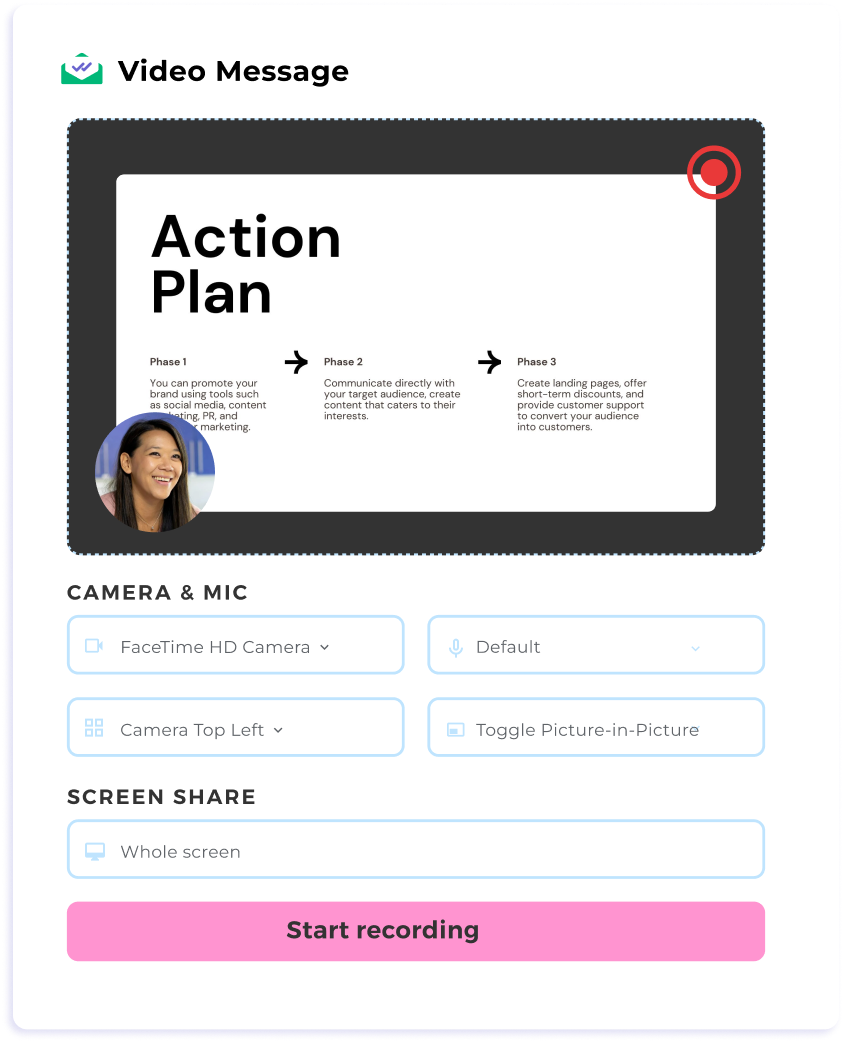
Gagne du temps en enregistrant ton écran depuis Gmail
Arrête d'écrire des emails interminables de va-et-vient. Utilise la vidéo et le partage d'écran pour présenter propositions, démos ou rapports à tes clients en un instant, sans quitter Gmail. C'est plus rapide, plus clair et plus efficace pour tout le monde. Et sans aucun outil externe pour enregistrer, envoie tes vidéos directement depuis ta boîte de réception.
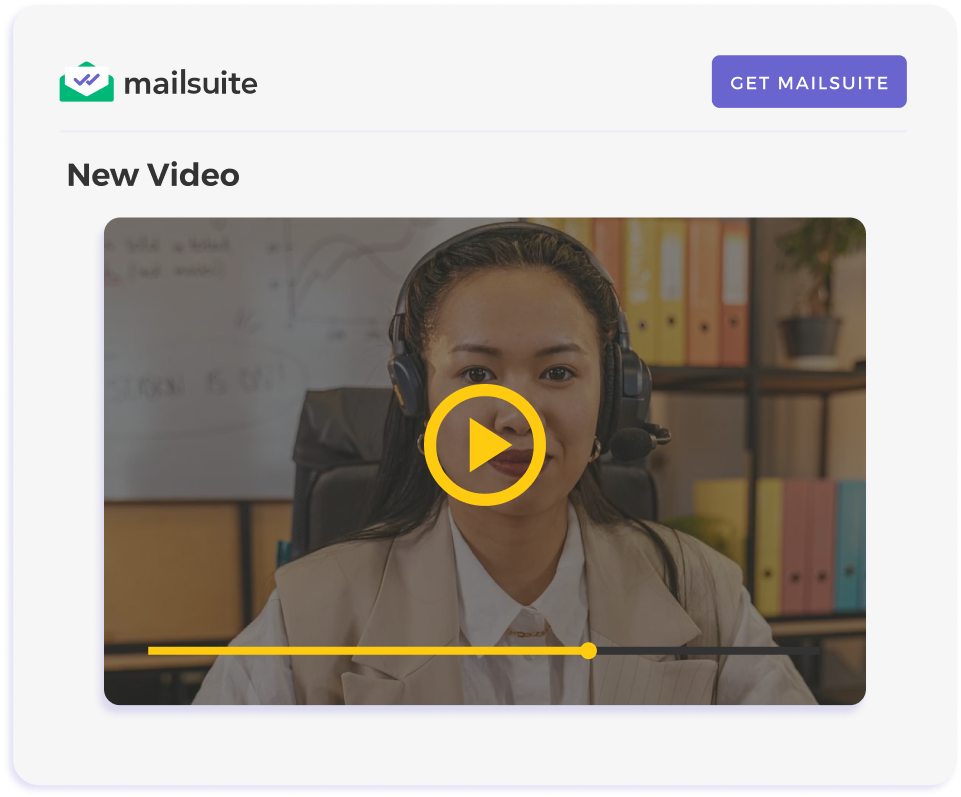
Connecte-toi mieux avec tes clients grâce à des messages clairs
Les vidéos par email se démarquent dans les boîtes saturées, car on ouvre et regarde une vidéo bien plus volontiers qu'un bloc de texte. Ta communication capte davantage et tes idées se comprennent mieux. En clarifiant ton message, tu attires l'attention, tu simplifies tout et tu améliores la relation avec tes clients.
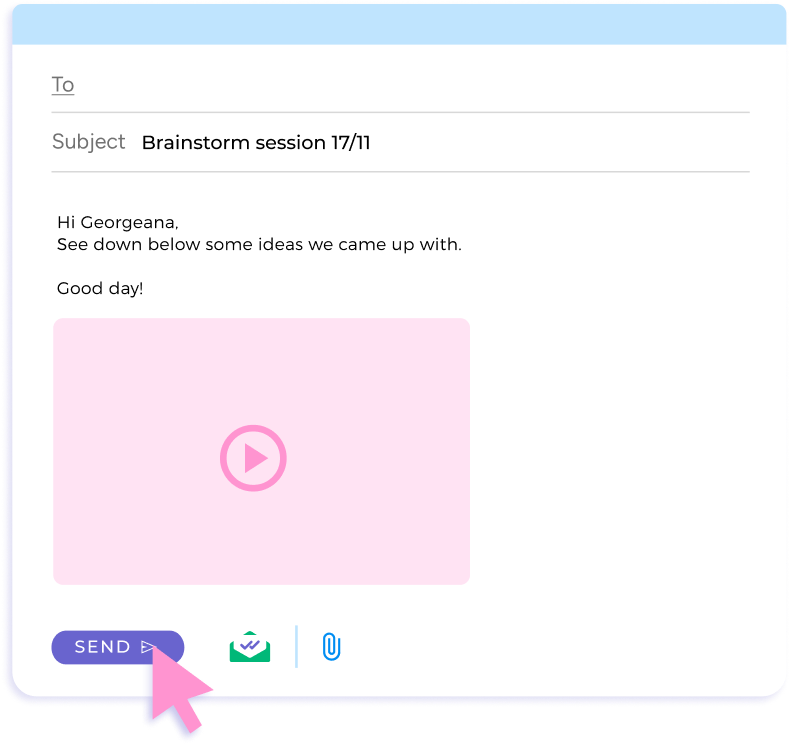
Fais parvenir tes enregistrements d'écran dans la boîte de tes destinataires
Les pièces jointes classiques échouent souvent à cause des limites de taille ou de problèmes d'encodage. Mailsuite intègre tes vidéos directement dans l'email, ce qui évite les délais et garantit que ton message arrive toujours à destination.
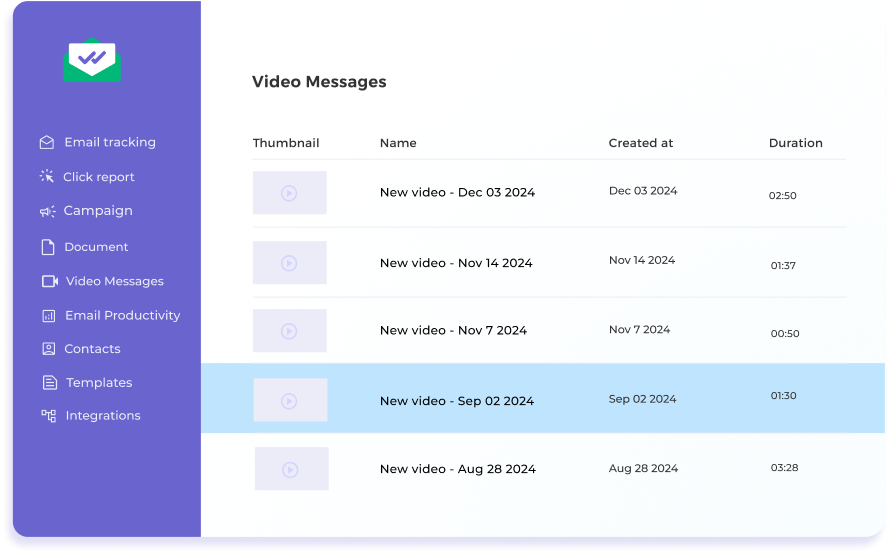
Adapte tes relances au comportement de chaque spectateur
Fais le tracking des ouvertures d'email et des vues de tes vidéos à l'instant et avec précision. Les alertes en temps réel de Mailsuite t'aident à trouver le moment parfait pour tes relances, que tu sois en train de conclure un accord important ou de renouer avec un prospect.
Commencer, c'est facile
-
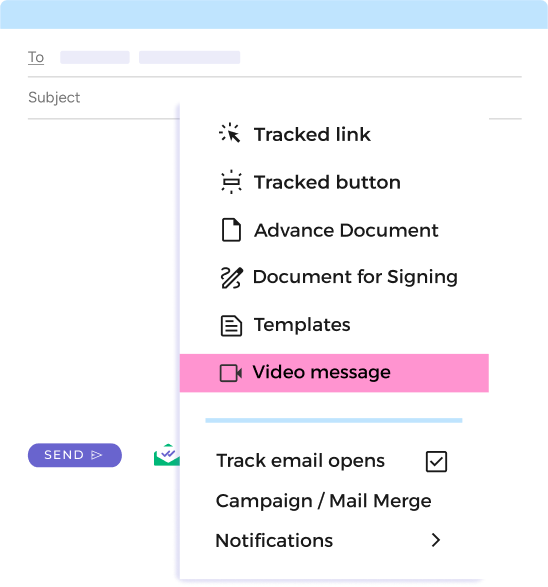
Étape 1
Ouvre "Messages vidéo" depuis l'icône Mailsuite
Clique sur "Nouveau message" dans ta boîte Gmail, puis sélectionne "Messages vidéo" depuis l'icône Mailsuite dans ta barre d'outils.
-
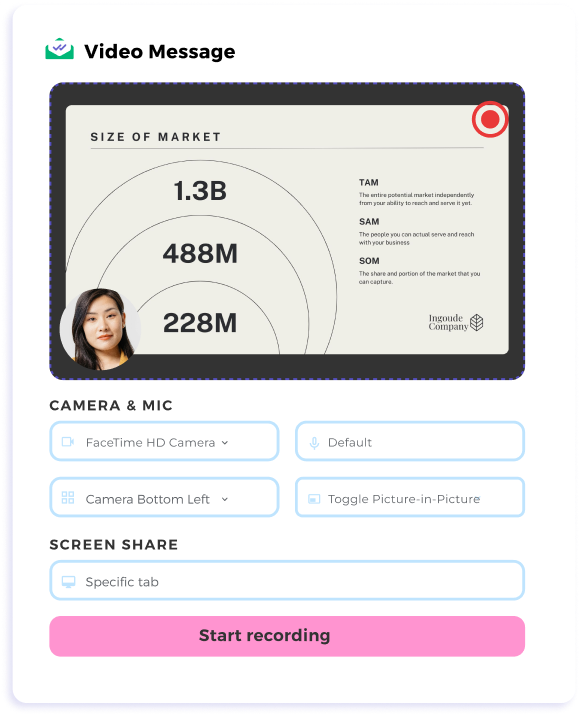
Étape 2
Enregistre ta vidéo
Quand les réglages des messages vidéo apparaissent, choisis "Caméra uniquement" ou "Partage d'écran + caméra". Enregistre ton message et, une fois terminé, la vidéo s'intègre aussitôt dans ton email.
-
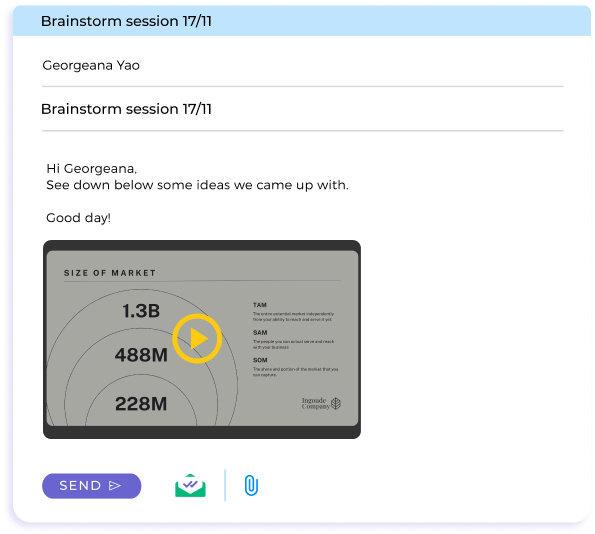
Étape 3
Envoie et fais du tracking
Clique sur envoyer et reçois des notifications en temps réel dès que ton destinataire interagit.
Et bien d'autres fonctionnalités
Alertes instantanées
Sache exactement quand ton email et ta vidéo sont ouverts pour faire tes relances en toute confiance.
Flux de travail optimisé
Envoie tes enregistrements d'écran directement depuis Gmail, sans changer de plateforme ni te soucier des limites de taille.
Contrôle de lecture
Revois ta vidéo enregistrée à l'instant et décide de l'envoyer, de la refaire ou de la supprimer, en toute confiance dans ton message.
Réglages flexibles
Choisis facilement entre le partage d'écran et la caméra activée ou non. Place la caméra où tu veux et adapte ta vidéo aux besoins de ton destinataire.
FAQ
On répond à tes questions sur les messages vidéo pour Gmail
-
Comment enregistrer et envoyer un email vidéo dans Gmail ?
Avec Mailsuite, tu peux enregistrer et envoyer des enregistrements d'écran directement dans Gmail. Il te suffit de cliquer sur l'icône Mailsuite, d'enregistrer ta vidéo et de l'insérer dans ton email. -
Puis-je partager mon écran pendant l'enregistrement d'une vidéo ?
Oui. Mailsuite permet le partage d'écran pour présenter des onglets, des fenêtres ou tout ton écran pendant que tu enregistres ton message. -
Comment Mailsuite me prévient-il de l'activité sur mes emails ?
Le tableau de bord Mailsuite et ton dossier Envoyés te préviennent en temps réel quand ton email est ouvert ou ta vidéo visionnée, pour faire tes relances au bon moment. -
Y a-t-il une limite de taille pour les messages vidéo ?
Non. Mailsuite contourne les limites de taille en intégrant les vidéos directement dans ton email.
Centre de confidentialité et sécurité
Les services de Mailsuite et Mailtrack sont utilisés par plus de 116 000 abonnés payants et entreprises dans le monde entier.
Lire la suite