Verwandle E-Mails mit Video in Gespräche
Nimm professionelle Video-E-Mails auf und versende sie direkt aus deinem Posteingang.

Vertraut von +3M Nutzer




Genutzt von Profis bei








Baue echte Verbindungen per E-Mail auf
Video-E-Mails zeigen deine Persönlichkeit und schaffen echte Verbindungen und Vertrauen – entscheidend bei wichtigen Deals. Da sie direkt aus deinem Gmail kommen, wirken Mailsuite-Video-E-Mails persönlich und authentisch, ganz ohne unpersönliche externe Plattformen. Dieser direkte Ansatz stärkt deine Botschaft und fördert echte Beziehungen.
Spar Zeit mit Bildschirmaufnahmen direkt in Gmail
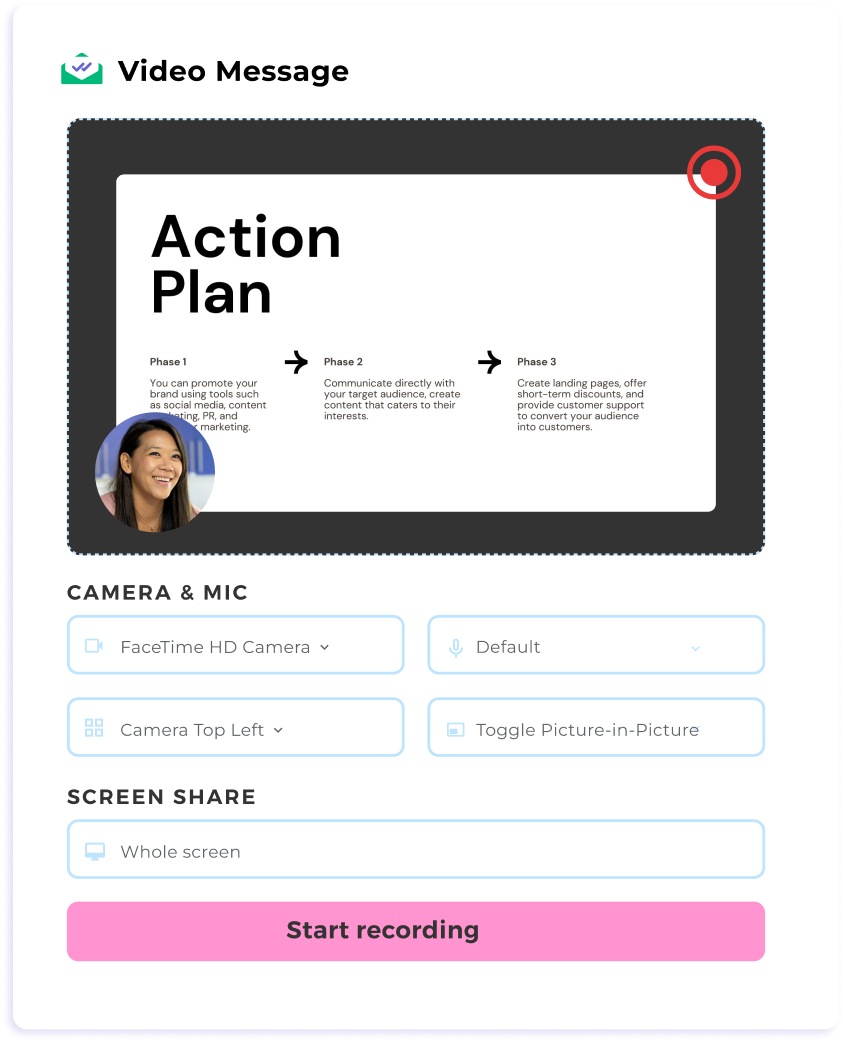
Schluss mit endlosem E-Mail-Hin-und-Her. Nutze Video und Bildschirmfreigabe, um Kunden Angebote, Demos oder Berichte schnell zu zeigen – ohne Gmail zu verlassen. Das ist schneller, klarer und effizienter für alle. Keine externen Tools nötig: Sende deine Videos direkt aus deinem Postfach.
Erreiche deine Kunden besser mit klaren Botschaften
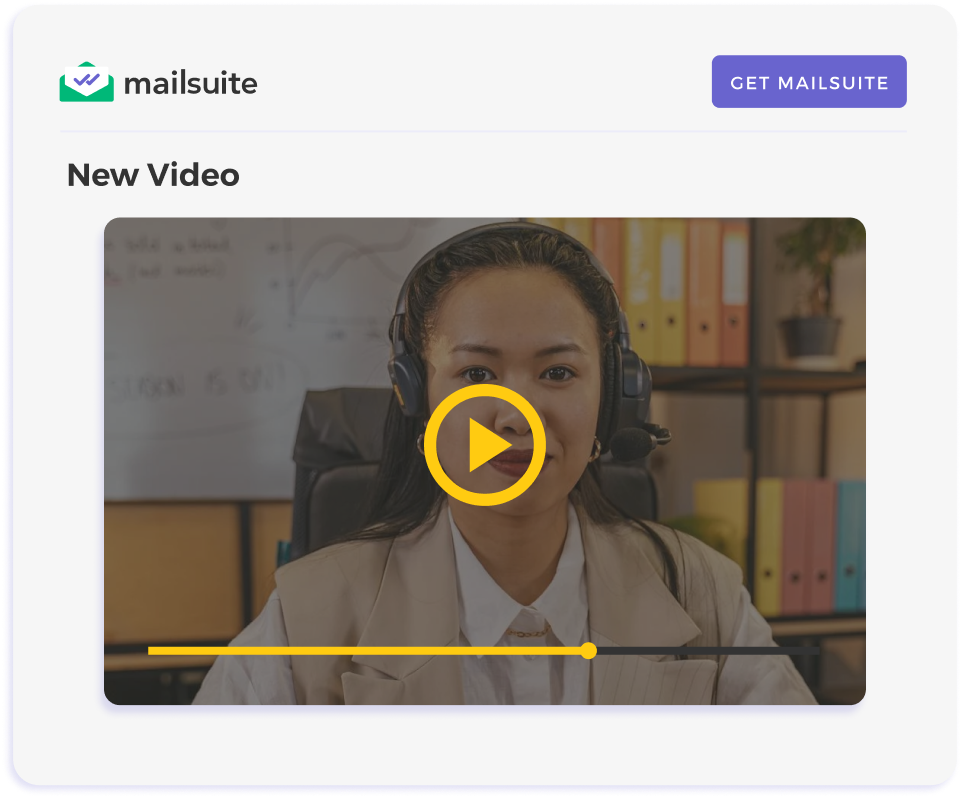
Video-E-Mails fallen in vollen Postfächern auf – Videos werden eher geöffnet und angesehen als lange Textblöcke gelesen. So wird deine Kommunikation ansprechender und deine Ideen leichter verständlich. Mit einer klareren Botschaft weckst du Aufmerksamkeit, vereinfachst das Verständnis und verbesserst den Kontakt zu deinen Kunden.
Bring deine Bildschirmaufnahmen in die Postfächer deiner Empfänger
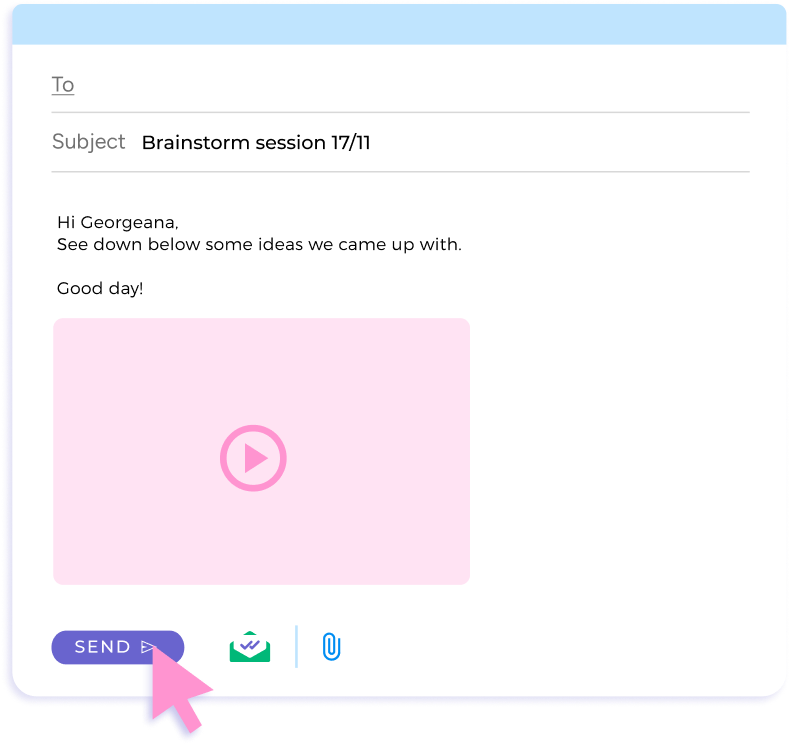
Klassische Anhänge scheitern oft an Größenlimits oder Kodierungsproblemen. Mailsuite bettet deine Videos direkt in die E-Mail ein – keine Verzögerungen, deine Nachricht kommt immer an.
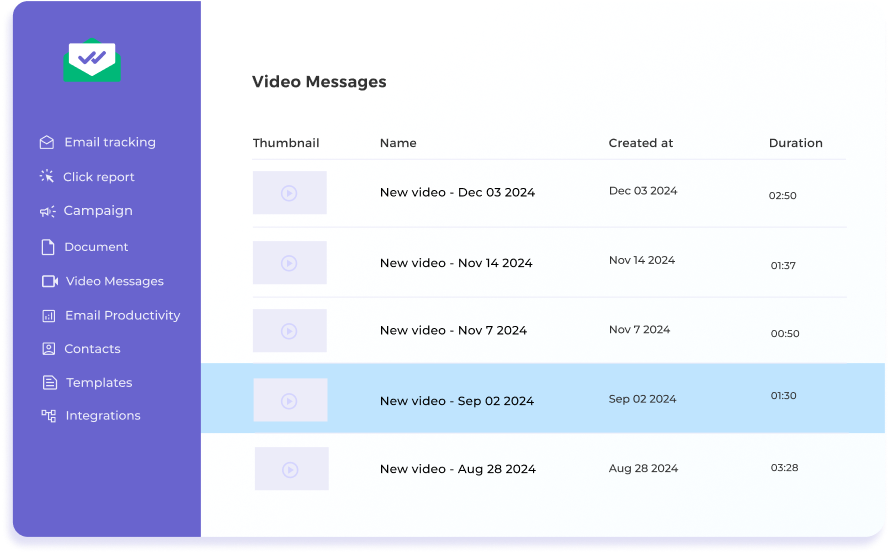
Passe Follow-ups an das Verhalten der Zuschauer an
Verfolge E-Mail-Öffnungen und Videoaufrufe sofort und präzise. Die Echtzeit-Benachrichtigungen von Mailsuite helfen dir, den perfekten Moment für dein Follow-up zu finden – egal ob bei einem wichtigen Deal oder beim erneuten Kontakt zu einem Interessenten.
Der Einstieg ist ganz einfach
-
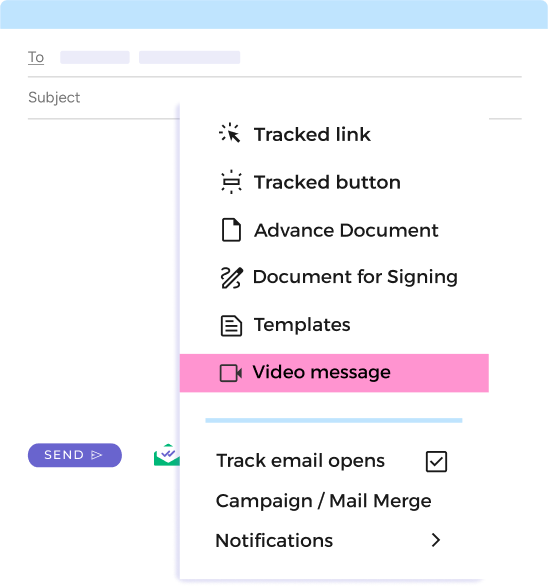
Schritt 1
Öffne "Videonachrichten" über das Mailsuite-Symbol
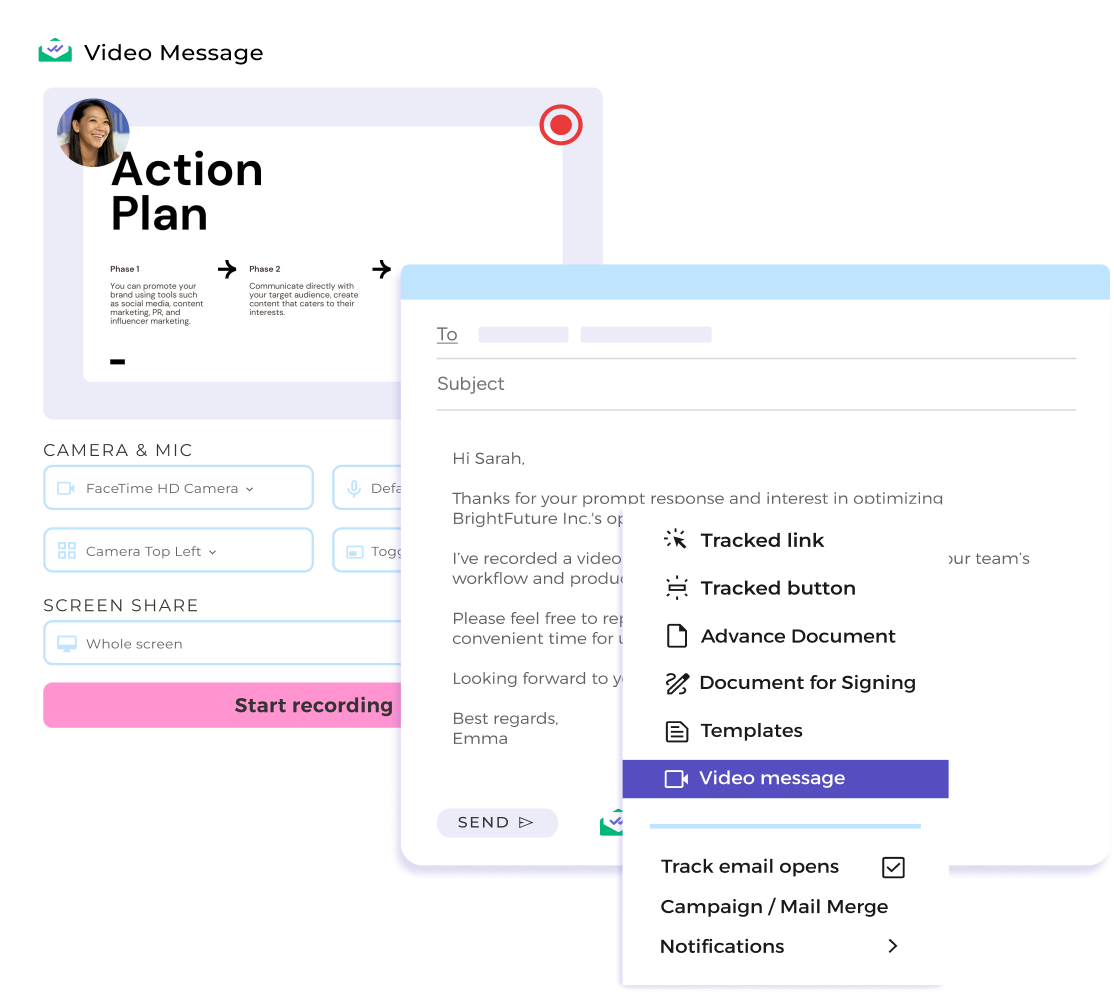
Klick auf "Verfassen" in deinem Gmail-Posteingang und wähle "Videonachrichten" über das Mailsuite-Symbol in der Toolbar.
-
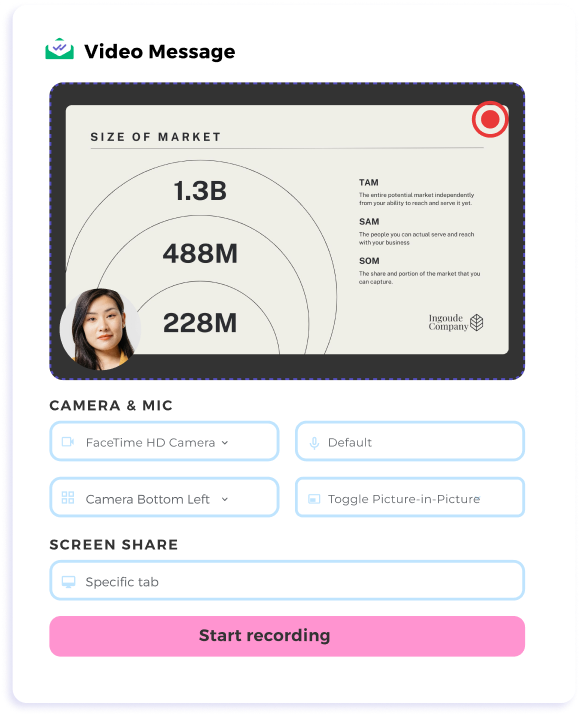
Schritt 2
Nimm dein Video auf
Wähle in den Einstellungen für Videonachrichten zwischen "Nur Kamera" oder "Bildschirmfreigabe + Kamera". Nimm deine Nachricht auf – danach wird das Video sofort in deine E-Mail eingebettet.
-
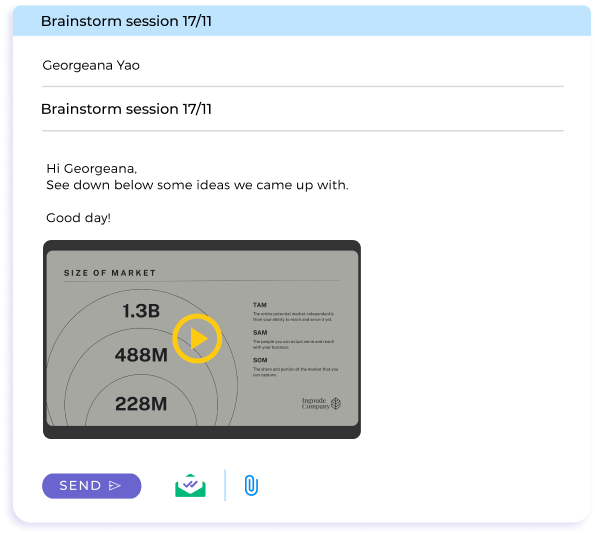
Schritt 3
Senden und Tracking
Klick auf Senden und erhalte Echtzeit-Benachrichtigungen, sobald dein Empfänger reagiert.
Und viele weitere Funktionen
Sofortige Benachrichtigungen
Erfahre genau, wann deine E-Mail und dein Video geöffnet werden, und folge sicher nach.
Reibungsloser Workflow
Sende Bildschirmaufnahmen direkt aus Gmail – ohne Plattformwechsel oder Größenlimits.
Wiedergabekontrolle
Sieh dir dein Video sofort an und entscheide, ob du es sendest, neu aufnimmst oder verwirfst – für volle Kontrolle über deine Botschaft.
Flexible Einstellungen
Wechsle einfach zwischen Bildschirmfreigabe und Kamera an/aus. Passe die Kameraposition an die Bedürfnisse deines Empfängers an.
FAQ
Deine Fragen zu Videonachrichten für Gmail, beantwortet
-
Wie nehme ich eine Video-E-Mail in Gmail auf und versende sie?
Mit Mailsuite kannst du Bildschirmaufnahmen direkt in Gmail aufnehmen und versenden. Klick einfach auf das Mailsuite-Symbol, nimm dein Video auf und füge es in deine E-Mail ein. -
Kann ich meinen Bildschirm während der Videoaufnahme teilen?
Ja, mit Mailsuite kannst du Tabs, Fenster oder deinen gesamten Bildschirm teilen, während du deine Nachricht aufnimmst. -
Wie benachrichtigt mich Mailsuite über die Interaktion mit meinen E-Mails?
Das Mailsuite-Dashboard und dein Gesendet-Ordner informieren dich in Echtzeit, wenn deine E-Mail geöffnet oder dein Video angesehen wird – so folgst du im richtigen Moment nach. -
Gibt es ein Größenlimit für Videonachrichten?
Nein, Mailsuite umgeht Größenbeschränkungen, indem Videos direkt in deine E-Mail eingebettet werden.
Datenschutz- und Sicherheitszentrum
Die Dienste von Mailsuite und Mailtrack werden von mehr als 116.000 zahlenden Abonnenten und Unternehmen weltweit genutzt.
Mehr lesen