






Mailsuite 설치

Turn Emails into Conversations with Video

Record and send professional video emails directly from your inbox

Get Video Messages >>
신뢰받는 +3M 사용자들

다양한 분야의 전문가들이 사용 중

high performer badge users loves us badge capterra best value 2025 capterra shortlist badge
Grant Stead
Grant Stead Stead Global 대표
정말 훌륭한 제품입니다. 주변에 많이 추천했어요. 이메일을 보내고 활용하는 방식이 완전히 달라졌습니다.
Matt Bottoms
Matt Bottoms Scottsdale Christian Academy 원장
답장이 올지, 아니면 주소 오류로 이메일이 전달조차 안 됐는지 며칠씩 기다릴 필요가 없어졌어요.
Jannet Skeelsm
Jannet Skeelsm United Real Estate Solutions, Knoxville 공인 중개사
부동산 중개사로서 고객이 이메일을 열어봤는지 확인하는 게 매우 중요합니다. 추적 시스템이 필요한 분께 강력히 추천해요.

Make real connections over email

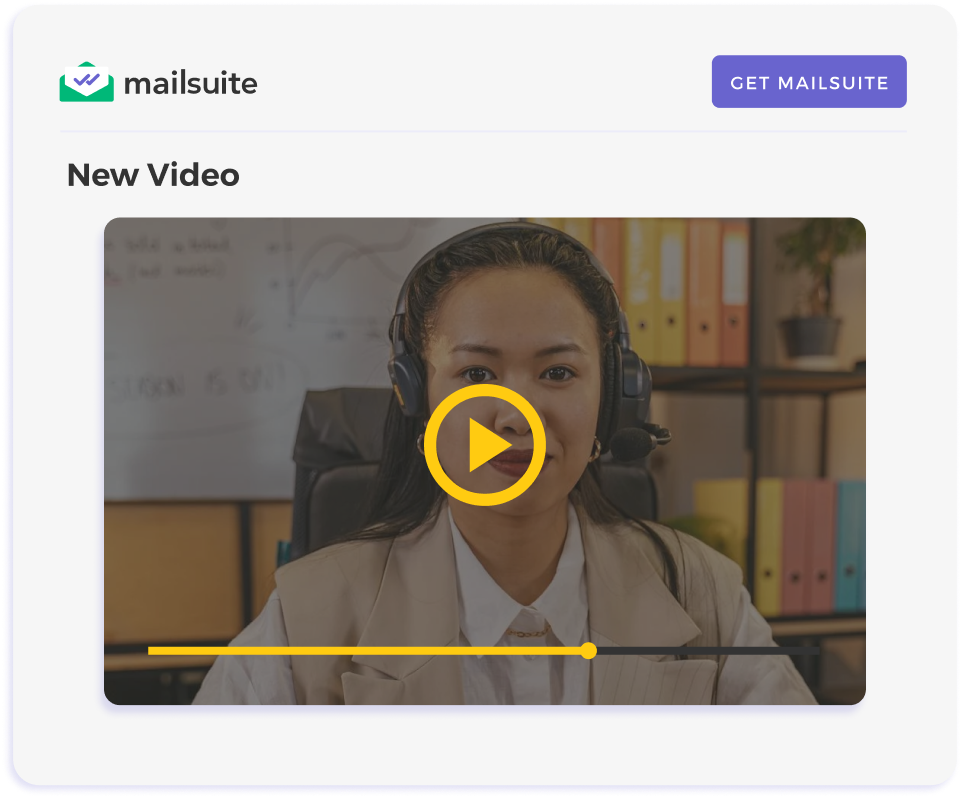
Video emails bring your personality to life, building genuine connections and trust—key for high-value deals. Coming directly from your Gmail, Mailsuite video emails make your communication feel personal and authentic, not relying on impersonal external platforms. This direct approach strengthens your message and fosters real relationships.

Get Video Messages

Save time by creating screen recordings in Gmail

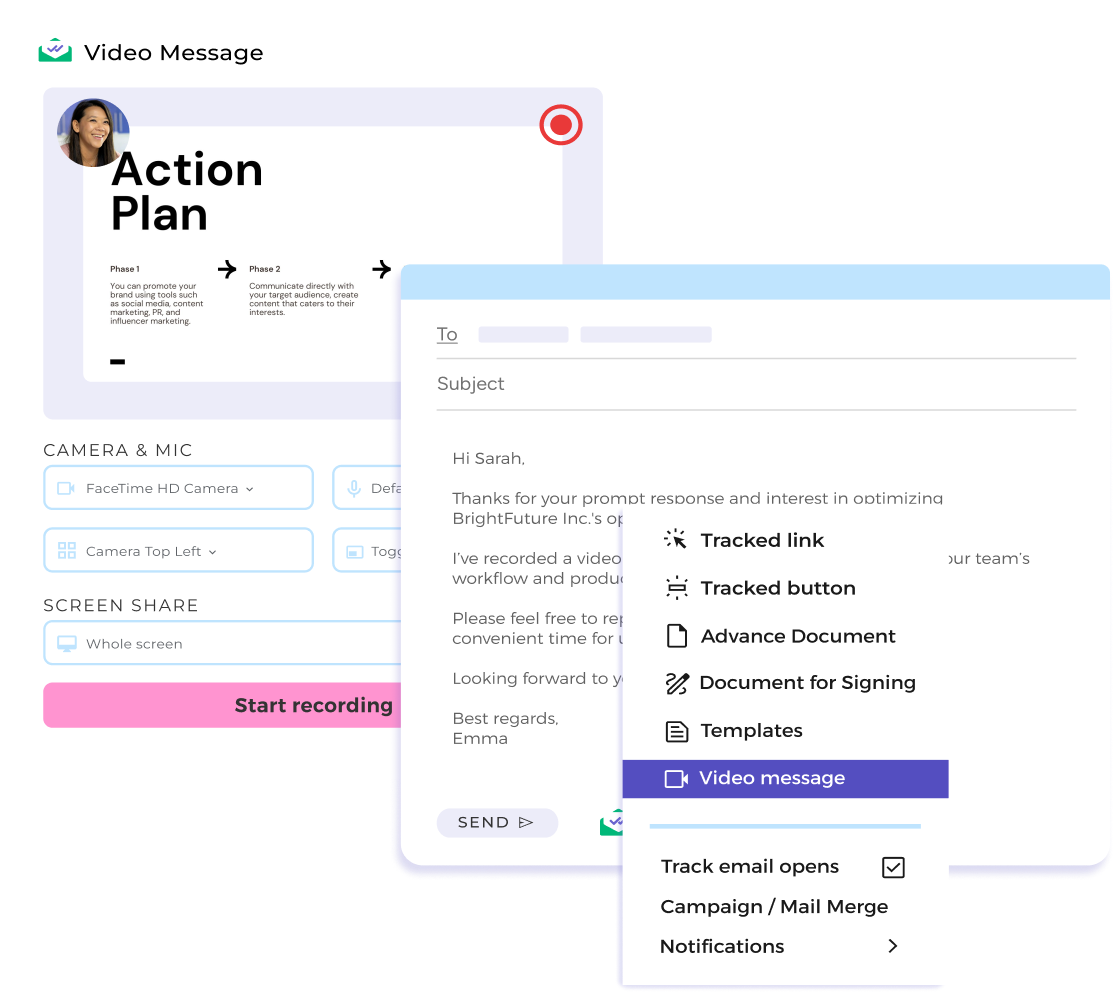
Stop writing long, back-and-forth emails. Instead, use video and screen sharing to walk clients through proposals, demos, or reports quickly– all without leaving Gmail. It's faster, clearer, and more efficient for everyone. No need for external tools to record your videos. Simply send them directly from your inbox.

Get Video Messages

Improve client engagement with clear messaging

Video emails stand out in crowded inboxes – people are more likely to open and watch a video than read a block of text. This makes your communication more engaging and your ideas easier to understand. By making your message clearer, you'll grab attention, simplify understanding, and improve client interaction.

Get Video Messages

Get your screen recordings into recipients' inboxes

Traditional email attachments often fail due to size restrictions or encoding issues. Mailsuite embeds your videos directly into the email, eliminating delays and ensuring your message always gets through.

Get Video Messages

Tailor Follow-Ups to Viewer Behavior

Track email opens and video views instantly and with precision. Mailsuite's real-time alerts help you to time your follow-ups perfectly—whether you're closing a high-stakes deal or reconnecting with a prospect.

Get Video Messages
나에게 맞는 플랜을 선택하세요
부가세 및 기타 세금이 적용될 수 있습니다

Getting Started Is Easy

  • Step 1

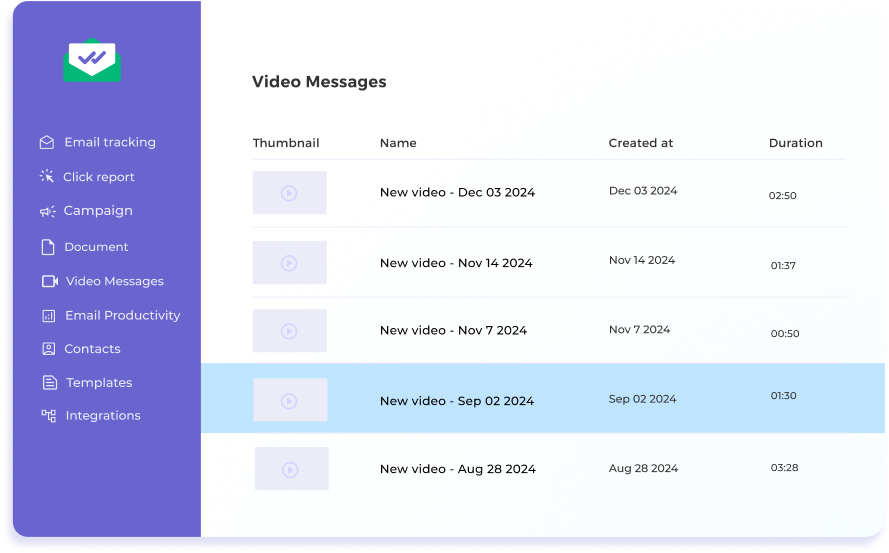
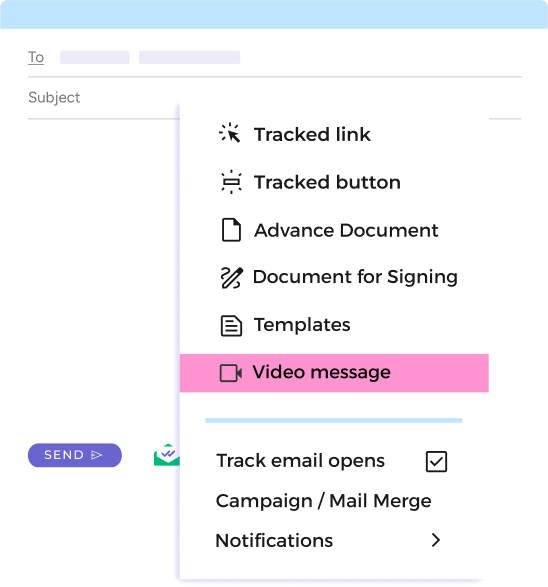
    Go to "Video Messages" from the Mailsuite Icon

    Click "Compose" in your Gmail inbox, then select "Video Messages" from the Mailsuite icon in your toolbar.

    Go to "Video Messages" from the Mailsuite Icon
  • Step 2

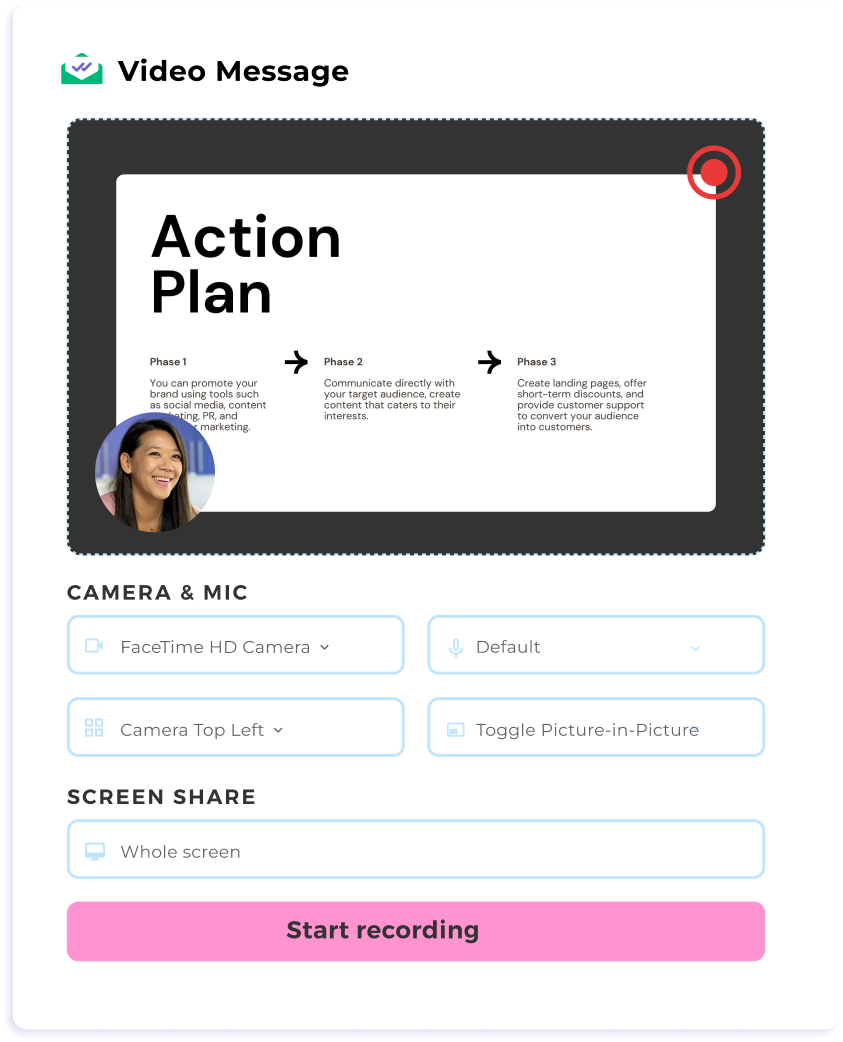
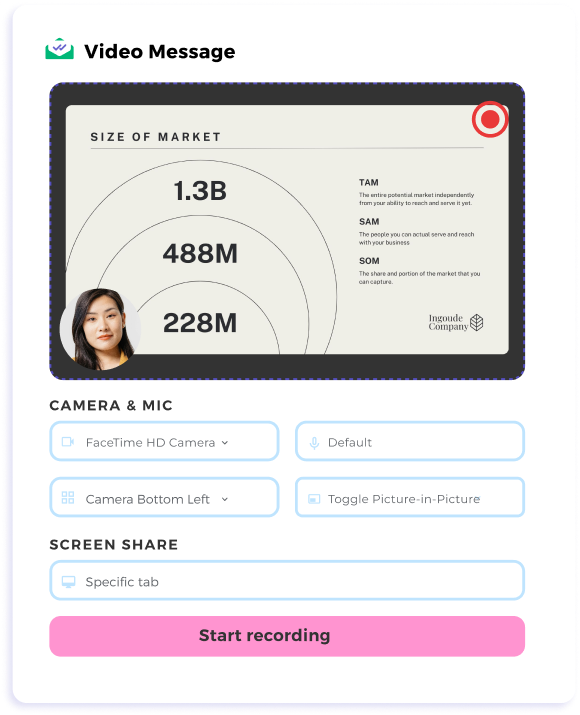
    Record Your Video

    When the video messages settings appear, select either "Camera Only" or "Screen Share + Camera." Record your message, and once you're done, the video will be instantly embedded in your email.

    Record Your Video
  • Step 3

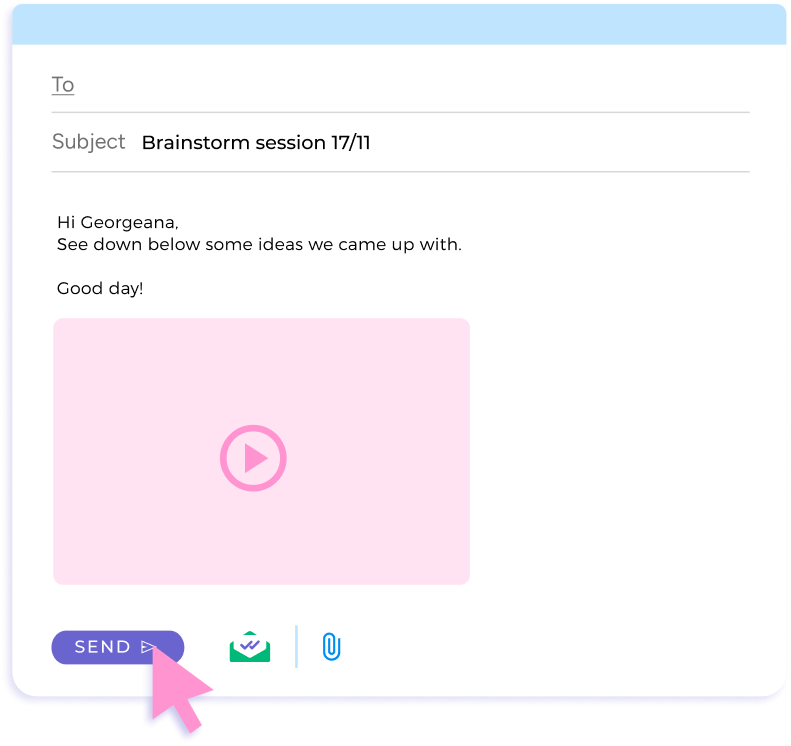
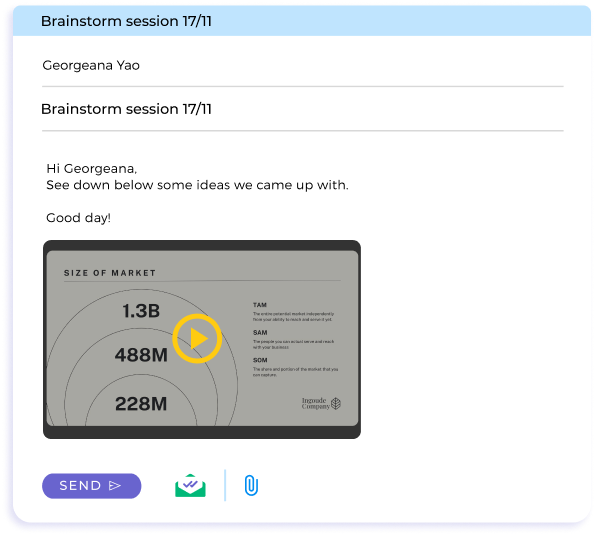
    Send and Track

    Hit send and receive real-time notifications as soon as your recipient engages.

    Send and Track

그 외 다양한 기능

Instant Alerts

Know exactly when your email and video are opened, so you can follow up with confidence.

Streamlined Workflow

Send screen recordings directly from Gmail without switching platforms or dealing with file size restrictions.

Playback Control

Review your recorded video instantly and decide whether to send, re-record, or discard it for complete confidence in your message.

Dynamic Settings

Easily choose between screen sharing and camera on/off. Adjust camera placement to tailor your video to the recipient’s needs.

FAQ

Your Video Messaging for Gmail Questions, Answered

  1. How do I record and send a video email in Gmail?

    With Mailsuite, you can record and send screen recordings directly within Gmail. Simply click the Mailsuite icon, record your video, and insert it into your email.
  2. Can I share my screen while recording a video?

    Yes, Mailsuite offers screen-sharing capabilities, allowing you to present tabs, windows, or your entire screen while recording your message.
  3. How does Mailsuite notify me about email engagement?

    The Mailsuite dashboard and your sent-folder provide real-time notifications when your email is opened or your video is viewed, helping you follow up at the right time.
  4. Is there a file size limit for video messages?

    No, Mailsuite bypasses file size restrictions by embedding videos directly into your email.

개인정보 및 보안 센터

Mailsuite와 Mailtrack 서비스는 전 세계 116,000명 이상의 유료 구독자와 기업으로부터 신뢰받고 있습니다.

더 보기

3,000,000명 이상의 Mailsuite 사용자와 함께 시작하세요

무료로 설치하기>>