





Mailsuite 설치

CRM for Gmail

Manage customers right from Gmail

Get CRM For Gmail >>
신뢰받는 +3M 사용자들

다양한 분야의 전문가들이 사용 중

high performer badge users loves us badge capterra best value 2025 capterra shortlist badge
Grant Stead
Grant Stead Stead Global 대표
정말 훌륭한 제품입니다. 주변에 많이 추천했어요. 이메일을 보내고 활용하는 방식이 완전히 달라졌습니다.
Matt Bottoms
Matt Bottoms Scottsdale Christian Academy 원장
답장이 올지, 아니면 주소 오류로 이메일이 전달조차 안 됐는지 며칠씩 기다릴 필요가 없어졌어요.
Jannet Skeelsm
Jannet Skeelsm United Real Estate Solutions, Knoxville 공인 중개사
부동산 중개사로서 고객이 이메일을 열어봤는지 확인하는 게 매우 중요합니다. 추적 시스템이 필요한 분께 강력히 추천해요.

Simplify Your Workflow with a Gmail-Integrated CRM

No more app hopping. With the CRM embedded directly inside Gmail, you streamline your workflow and save valuable time. Everything you need is in one place, reducing distractions and boosting productivity.

Get CRM For Gmail

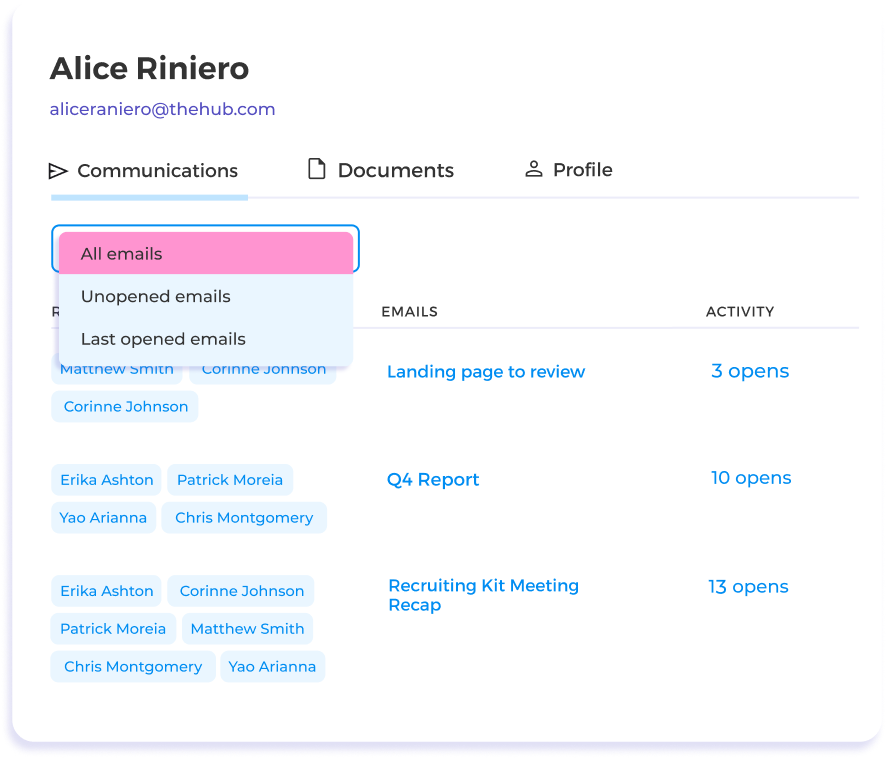
Automatically capture all Gmail activity

Eliminate manual input—all your data is automatically organized by client. Your incoming and outgoing emails, documents, tracking, and engagement data are automatically logged into the CRM. Spend less time on data entry and more on building relationships.

Get CRM For Gmail

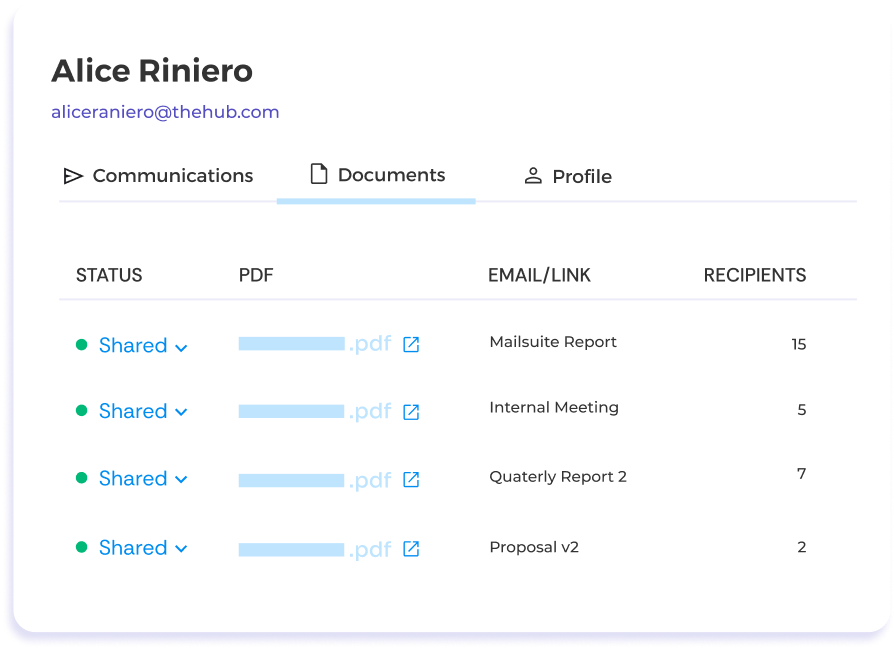
Find files quickly

Find files in a flash. Documents are automatically classified by customer, eliminating the need to manually search through countless emails and worry about outdated versions. Get what you need when you need it.

Get CRM For Gmail

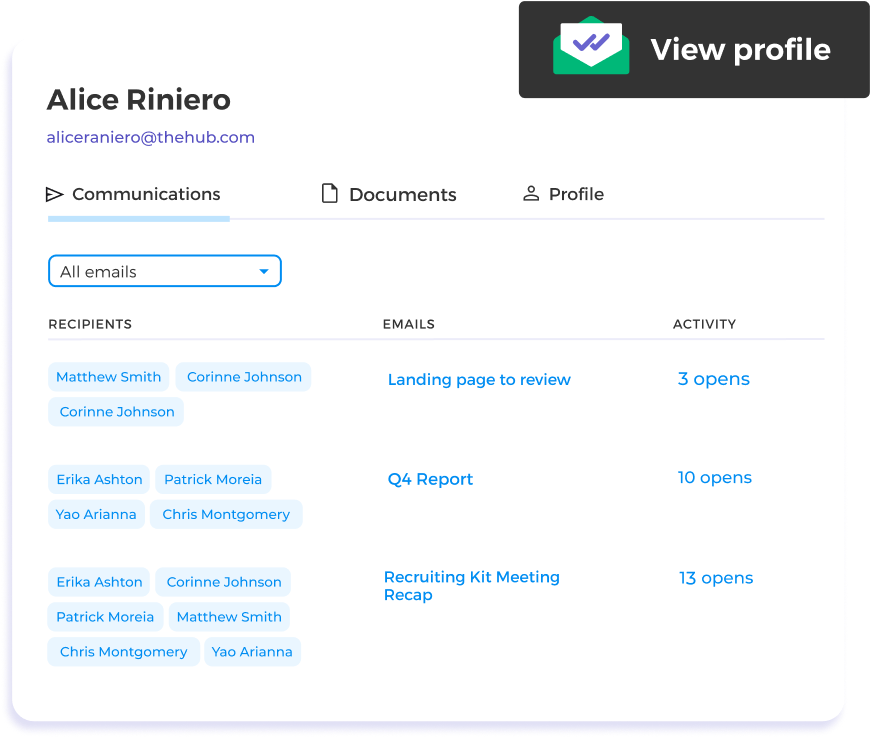
Craft informed replies using customer data

Know your customer, instantly. Access real-time customer data and interaction history directly within your Gmail inbox. Craft personalized, informed responses to seamlessly enhance your engagement quality.

Get CRM For Gmail

Build relationships from day one without a learning curve

No learning curve. Since the CRM is integrated into Gmail, there’s nothing new to learn. You can leverage robust CRM features immediately, without the hassle of adapting to a new system.

Get CRM For Gmail
나에게 맞는 플랜을 선택하세요
부가세 및 기타 세금이 적용될 수 있습니다

그 외 다양한 기능

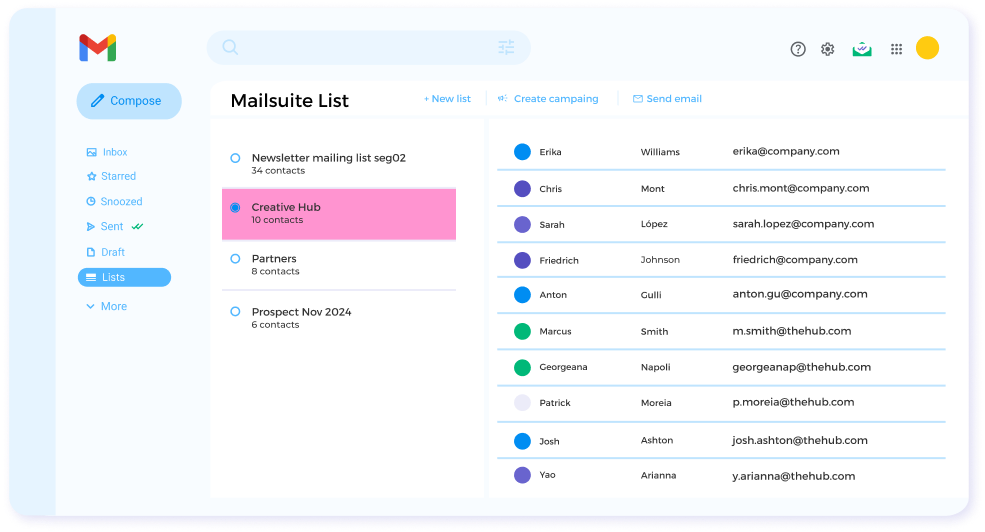
Contact management inside Gmail

Create and update contact lists without leaving Gmail to save time and personalize emails more efficiently.

Unlimited Email Tracking

Send unlimited tracked emails to get a detailed view of how your emails perform and improve future messaging.

Document tracking and analytics

Gain crucial insights into how prospects and leads interact with your documents and use those insights to guide your conversations.

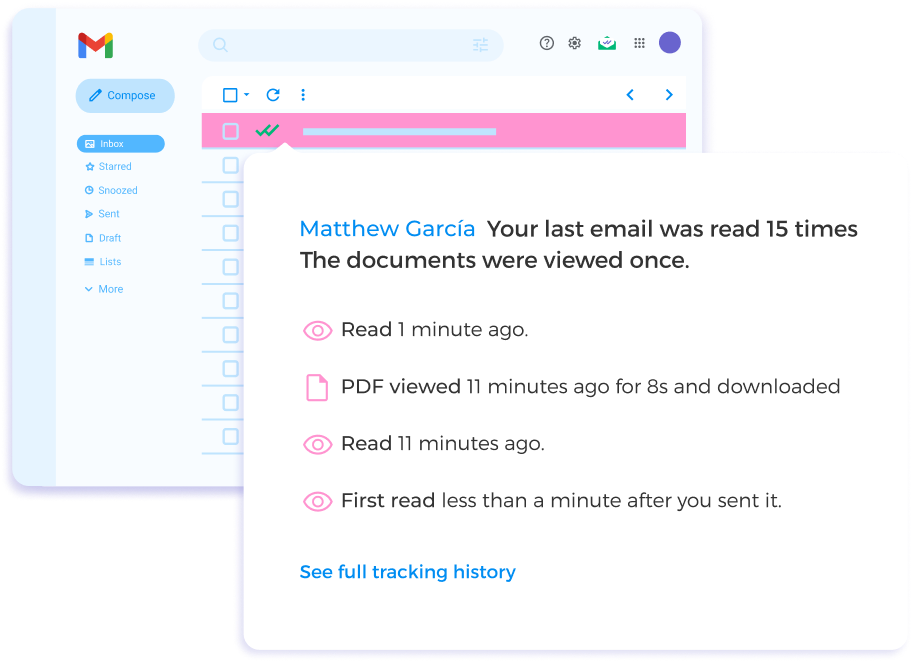
Real-time notifications

Know exactly when someone interacts with your email so you can plan the next step of converting them into a customer.

미열람 알림

Don’t let unanswered emails fall through the cracks. Get notified if someone hasn’t opened your email or responded so you can quickly restart the conversation.

Email analytics and reports

Make data-driven decisions by using analytics and reporting to benchmark your email performance and set KPIs for future campaigns.

FAQ

Your CRM for Gmail Questions, Answered

  1. Does Gmail have a CRM system?

    Gmail does not have a built-in CRM system. However, you can use Mailsuite as your CRM because it integrates directly with Gmail and you can access its main features without leaving your Gmail inbox.
  2. Can you use Google Contacts as a CRM?

    It is not possible to use only Google Contacts as a CRM. There are a few ways you can combine tools available in Google Workspace to create your own CRM, but this can become complicated pretty quickly. It’s best to use a Gmail add-on that works as a CRM by itself, like Mailsuite.
  3. Who finds Mailsuite’s CRM helpful?

    Mailsuite’s CRM features are most helpful for sales teams, business development professionals, small business owners, and start-up founders. However, anyone with a contact list or who is performing outreach can use Mailsuite as a simple and efficient CRM.
  4. Does Mailsuite’s CRM have email tracking?

    Yes, Mailsuite’s CRM has free unlimited email tracking. It is possible to track both individual and group email opens with Mailsuite, as well as link clicks and attached document opens and downloads. Even when you send group emails, Mailsuite gives you individual tracking data for each recipient.
  5. What are the benefits of using Mailsuite’s CRM instead of other CRMs?

    The benefits of using Mailsuite’s CRM are clear: It’s free and simple to install and it offers unlimited and highly-accurate email tracking. In addition, it integrates directly with Gmail, so you don’t even have to leave your inbox to manage your contact lists, send tracked emails, or view email tracking data. To help you stay on top of your emails, Mailsuite also offers real-time notifications and follow-up reminders.

개인정보 및 보안 센터

Mailsuite와 Mailtrack 서비스는 전 세계 116,000명 이상의 유료 구독자와 기업으로부터 신뢰받고 있습니다.

더 보기

3,000,000명 이상의 Mailsuite 사용자와 함께 시작하세요

무료로 설치하기>>