Mailsuite 설치

Create Email Templates in Gmail

  • Create and manage email templates directly in Gmail
  • Easily share email templates with your team in seconds
  • Access unlimited email templates ready to personalize
Get Gmail Templates For Free >>
신뢰받는 +3M 사용자들

다양한 분야의 전문가들이 사용 중

high performer badge users loves us badge capterra best value 2025 capterra shortlist badge
Grant Stead
Grant Stead Stead Global 대표
정말 훌륭한 제품입니다. 주변에 많이 추천했어요. 이메일을 보내고 활용하는 방식이 완전히 달라졌습니다.

Matt Bottoms
Matt Bottoms Scottsdale Christian Academy 원장
답장이 올지, 아니면 주소 오류로 이메일이 전달조차 안 됐는지 며칠씩 기다릴 필요가 없어졌어요.

Jannet Skeelsm
Jannet Skeelsm United Real Estate Solutions, Knoxville 공인 중개사
부동산 중개사로서 고객이 이메일을 열어봤는지 확인하는 게 매우 중요합니다. 추적 시스템이 필요한 분께 강력히 추천해요.
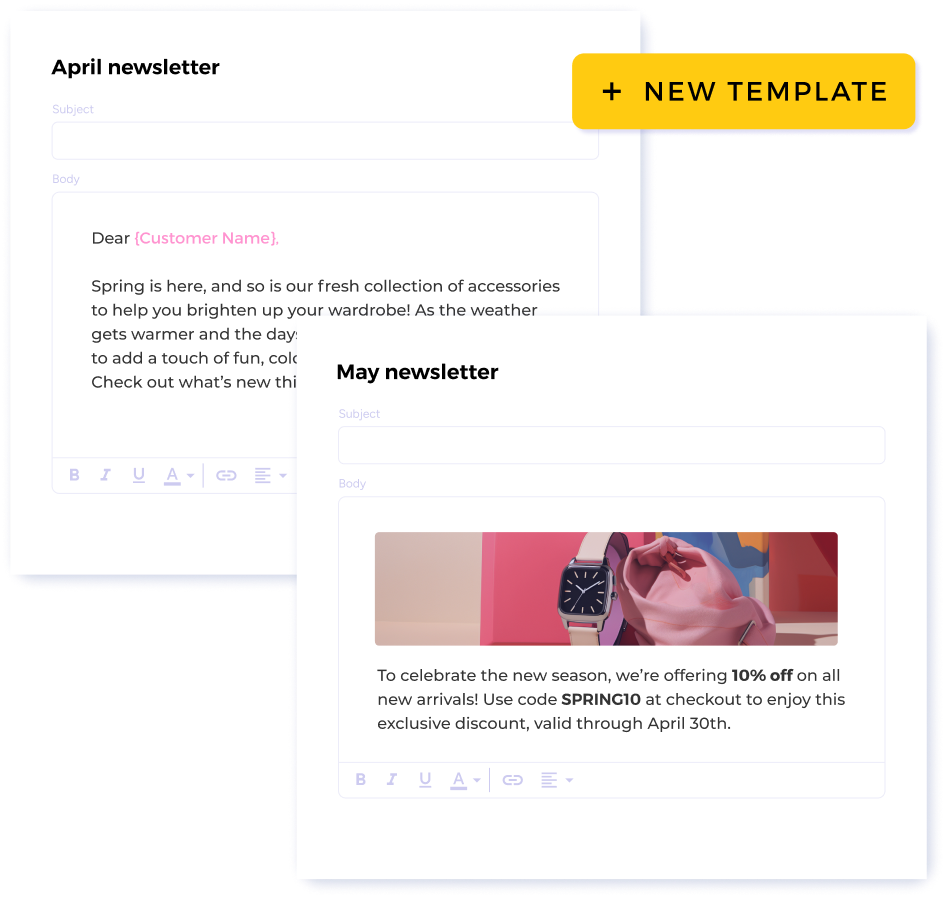
Effortlessly create and edit templates

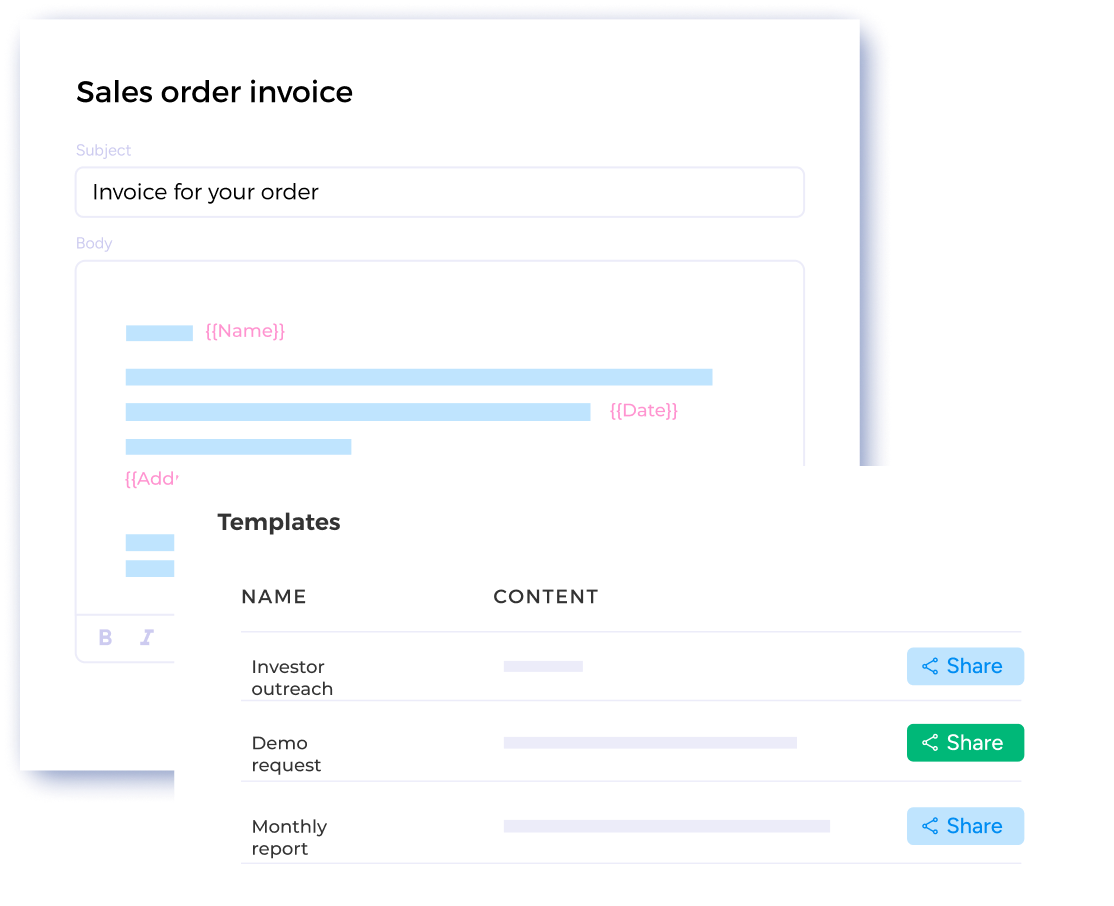
Create templates directly in your Mailsuite dashboard and edit them whenever you need to. Save yourself time by creating a template and sending it to as many people as you want, all in a few clicks.

Get Gmail Templates For Free

Easily share templates with your team

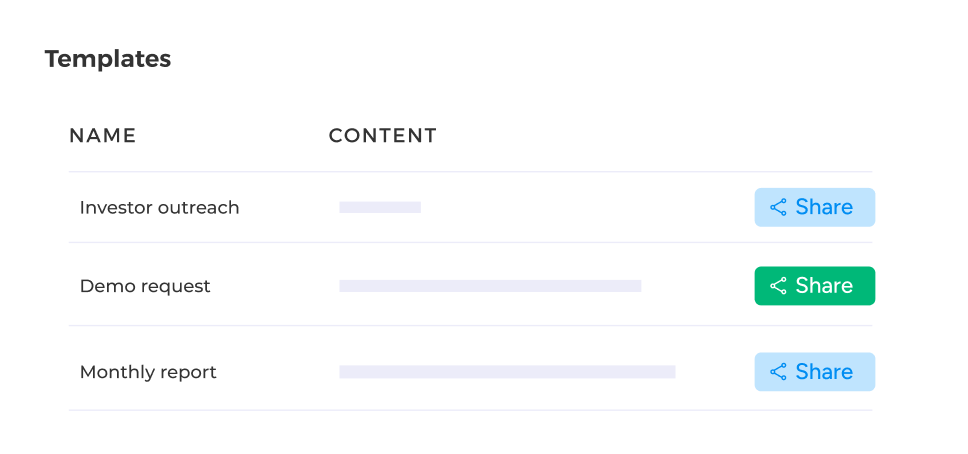
Collaborate with team members and build effective email templates together by sharing template links directly from your dashboard.

Get Gmail Templates For Free
나에게 맞는 플랜을 선택하세요
부가세 및 기타 세금이 적용될 수 있습니다

Steps to Using a Email Template

  • Step 1

    Open your templates list

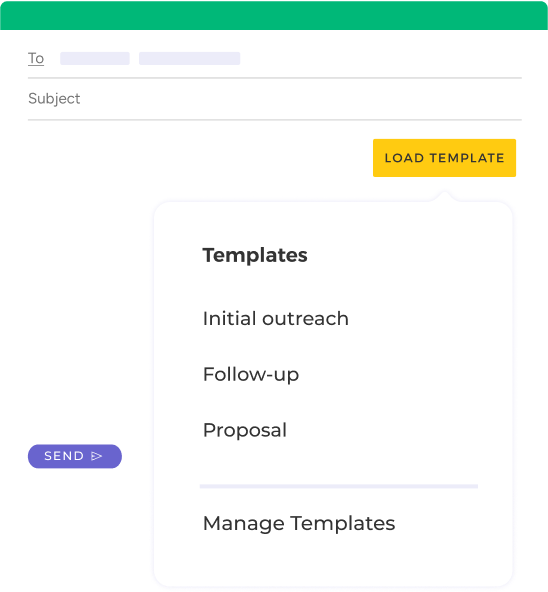
    Click 'Load Template' when you open a new email to see the full list of email templates you have saved.

    Open your templates list
  • Step 2

    Choose the perfect template

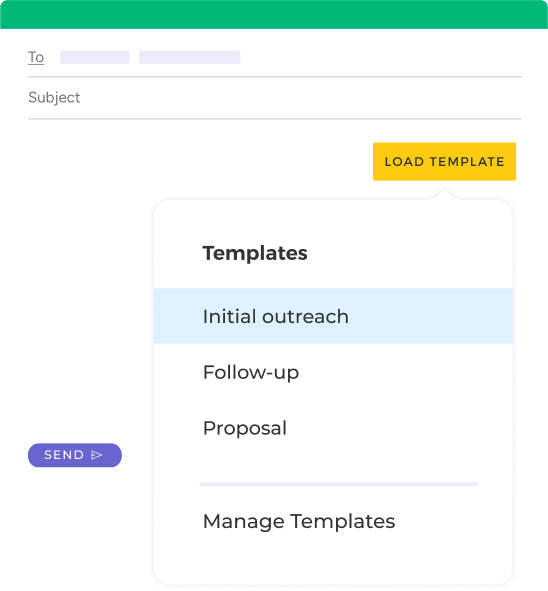
    From your templates list, choose the email template you want to apply to your new email.

    Choose the perfect template
  • Step 3

    Personalize the email and send it

    Make any finals edits you need on the template. When it’s ready, just hit Send!

    Personalize the email and send it

그 외 다양한 기능

Unlimited email templates

Create as many email templates as you need to fit every possible situation.

Easily load templates in your inbox

Create a template in your dashboard and easily load it in your inbox when you’re ready to send it. From your inbox, you can personalize the email however you’d like.

Store all templates in one dashboard

Mailsuite saves your templates in one centralized dashboard and makes them all available in one click directly inside Gmail.

Share templates with your team members

Stop sending documents back and forth with coworkers. Share access to your templates directly from your Mailsuite dashboard.

FAQ

Your Gmail Templates Questions, Answered

  1. How can I create email templates in Gmail?

    There are two ways you can create email templates in Gmail: from your Gmail inbox or directly in your Mailsuite Dashboard. From your Gmail inbox, all you need to do is click Compose then Load Templates. Next, click Manage Templates. This takes you to your Dashboard where you can easily create new templates that will automatically be available in your Gmail inbox.
  2. Why is Mailsuite’s template better than Gmail’s template?

    Mailsuite’s templates are better than Gmail’s in a few important ways. To start, Mailsuite’s templates are 100% customizable and you can include as much (or as little) personalization as you want, which is something you can’t do with Gmail’s templates. Mailsuite also stores all of your templates in a central Dashboard and lets you share them with your team. Finally, Mailsuite’s templates are easily accessible anytime you compose a new email - you can import any template with the click of a button!
  3. How do I edit email templates in Gmail?

    Editing your email templates in Gmail is simple. Once you import your template from Mailsuite, you can edit the text just like you would any other email. You can change the wording, add unlimited personalization, and make any other edits you want before sending.
  4. How do I share email templates in Gmail?

    Sharing Gmail templates is easy with Mailsuite. All you need to do is open your Template Dashboard and click the Share button. This gives you a direct link to your template that you can send to anyone you want.
  5. What are the benefits of using email templates in Gmail?

    There are so many benefits to using templates in Gmail. They save you time by not making you rewrite the same email multiple times, they reduce typos and grammar mistakes, and they let you automatically personalize your emails to build stronger relationships.

개인정보 및 보안 센터

Mailsuite와 Mailtrack 서비스는 전 세계 116,000명 이상의 유료 구독자와 기업으로부터 신뢰받고 있습니다.

더 보기

3,000,000명 이상의 Mailsuite 사용자와 함께 시작하세요

무료로 설치하기>>