





Mailsuite 설치

Send Mass Emails Without Landing in Spam

Deliver messages directly to your recipients’ inboxes

Get Mass Email For Gmail >>
신뢰받는 +3M 사용자들

다양한 분야의 전문가들이 사용 중

high performer badge users loves us badge capterra best value 2025 capterra shortlist badge
Grant Stead
Grant Stead Stead Global 대표
정말 훌륭한 제품입니다. 주변에 많이 추천했어요. 이메일을 보내고 활용하는 방식이 완전히 달라졌습니다.
Matt Bottoms
Matt Bottoms Scottsdale Christian Academy 원장
답장이 올지, 아니면 주소 오류로 이메일이 전달조차 안 됐는지 며칠씩 기다릴 필요가 없어졌어요.
Jannet Skeelsm
Jannet Skeelsm United Real Estate Solutions, Knoxville 공인 중개사
부동산 중개사로서 고객이 이메일을 열어봤는지 확인하는 게 매우 중요합니다. 추적 시스템이 필요한 분께 강력히 추천해요.

Send individual emails in bulk without BCC

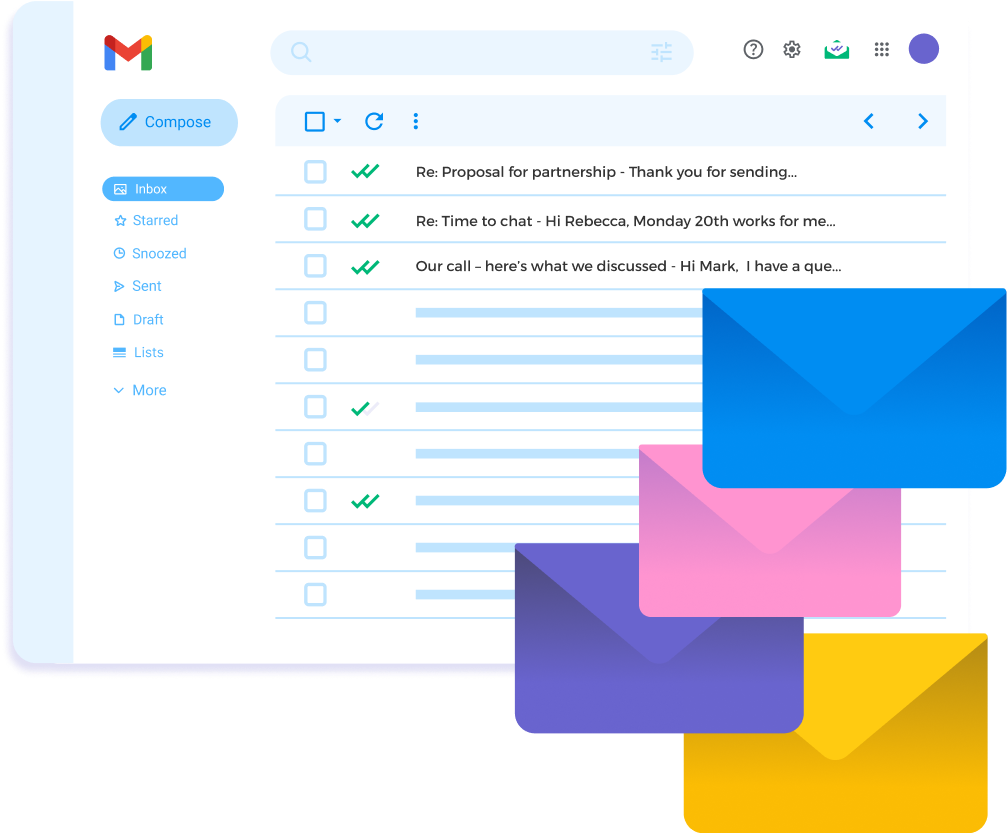
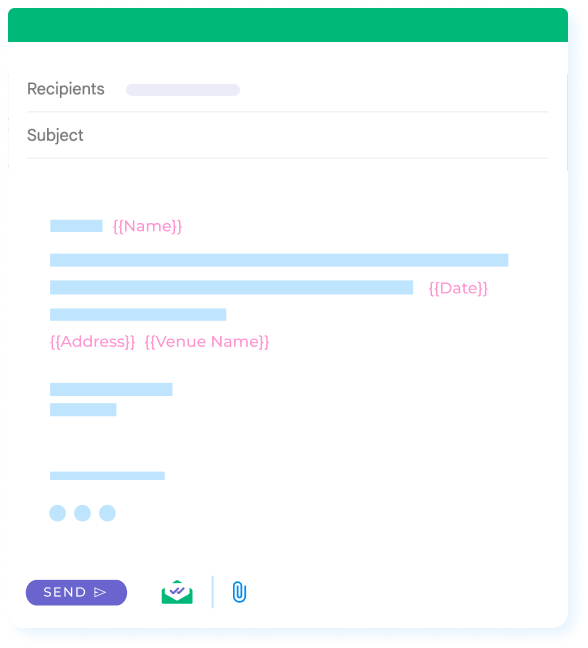
With Mailsuite’s Bulk Email feature integrated with your Gmail, you can send mass emails that look and feel like individual messages—avoiding unprofessional BCC, impersonal mass campaign tools, and the risk of hitting spam filters. Each recipient receives a unique, personalized email directly in their inbox.

Get Mass Email For Gmail

Get more replies from potential clients

Sending from your personal Gmail account increases the likelihood of replies, as emails appear more personal and familiar to potential clients. A recognizable sender encourages recipients to open, read, and respond.

Get Mass Email For Gmail

Identify highly engaged prospects

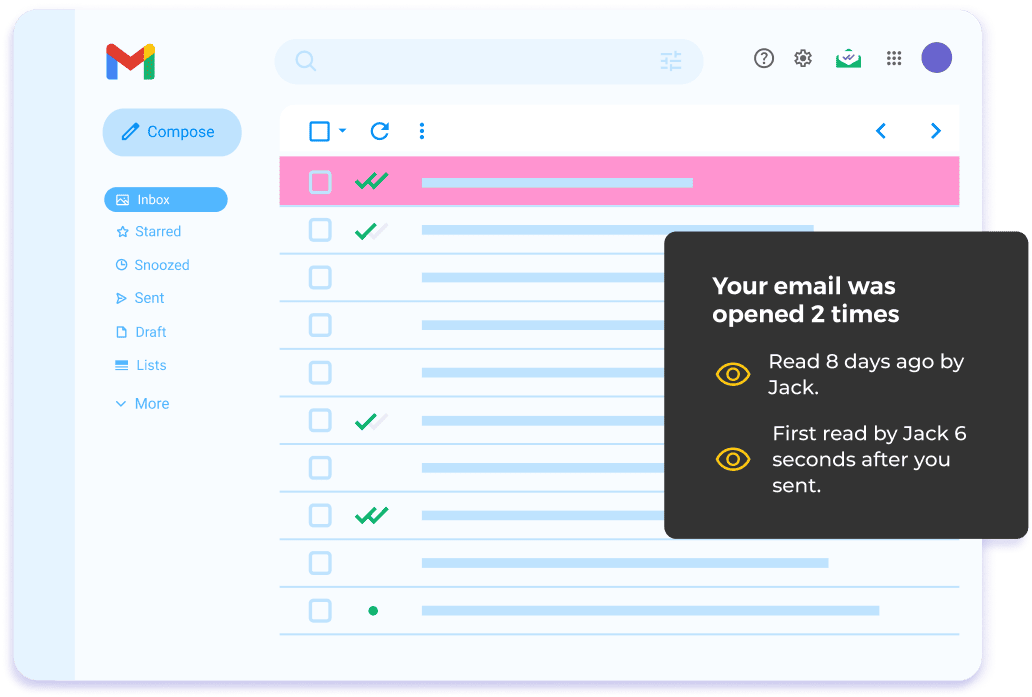
Real-time email tracking and link click monitoring help you identify highly engaged prospects, enabling you to prioritize follow-ups and focus on leads more likely to convert. This targeted approach saves time by filtering out uninterested recipients.

Get Mass Email For Gmail

Automate bulk email by pulling recipients from a spreadsheet

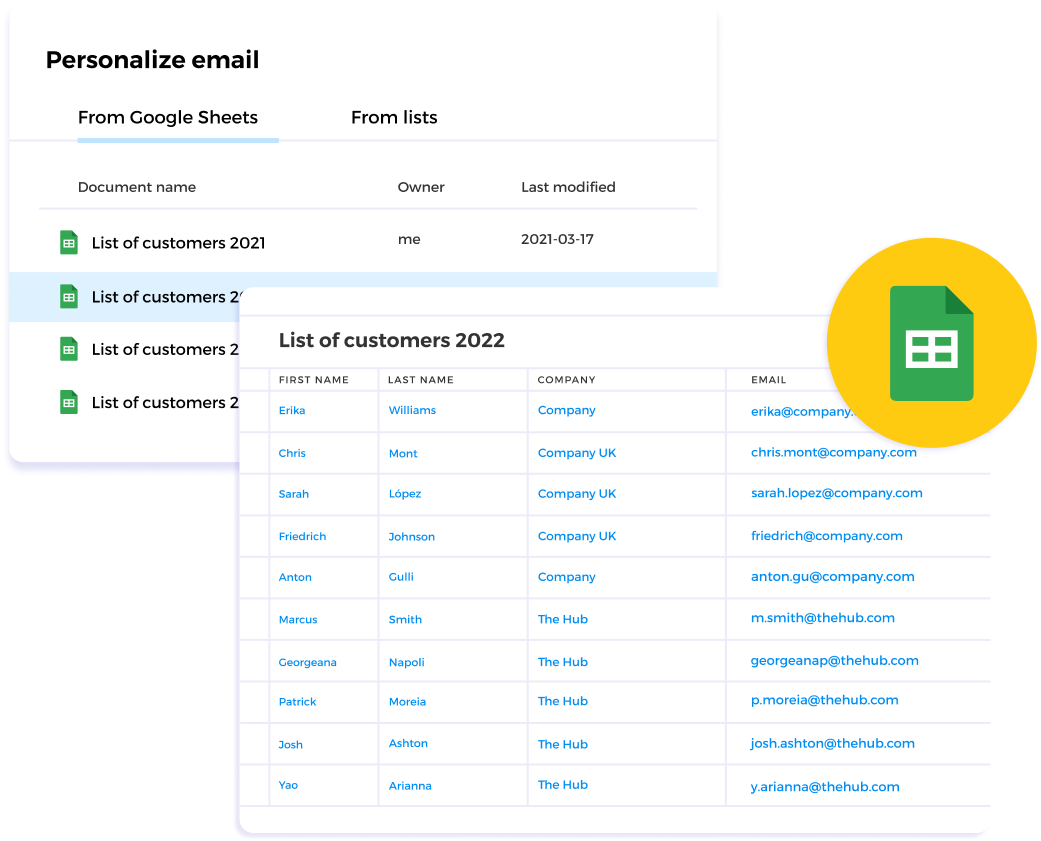
Save time by sending multiple emails at once, pulling recipient emails from a spreadsheet instead of entering them manually. Schedule and automate emails to send at optimal times.

Get Mass Email For Gmail
나에게 맞는 플랜을 선택하세요
부가세 및 기타 세금이 적용될 수 있습니다

Steps to Sending a Successful Mass Email

  • Step 1

    Import contacts from Google Sheets

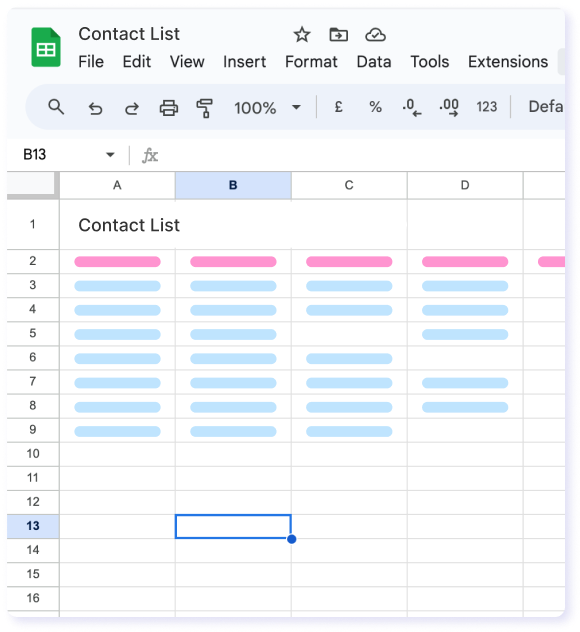
    Create a Google Sheet with your contacts’ information. Include as many fields as you’d like, such as first name, last name, birthday, location, etc.

    Import contacts from Google Sheets
  • Step 2

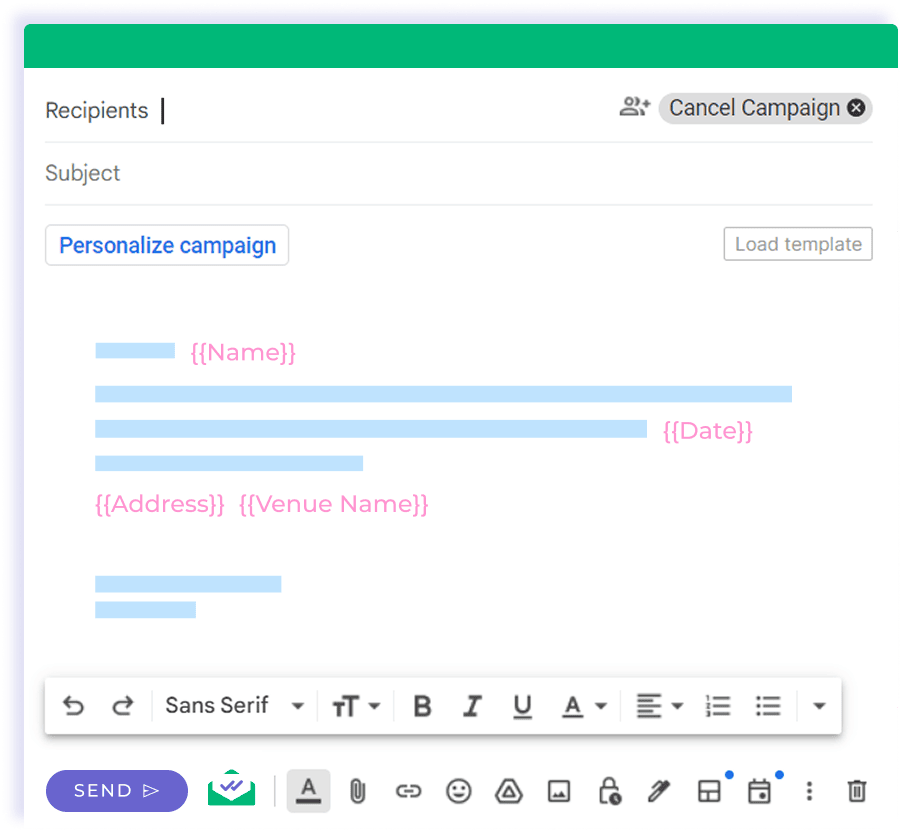
    Create a template in Gmail with personalized merge fields

    Write an eye-catching subject line and a useful message to engage with your contacts. You can personalize both with Mailsuite.

    Create a template in Gmail with personalized merge fields
  • Step 3

    Schedule the campaign

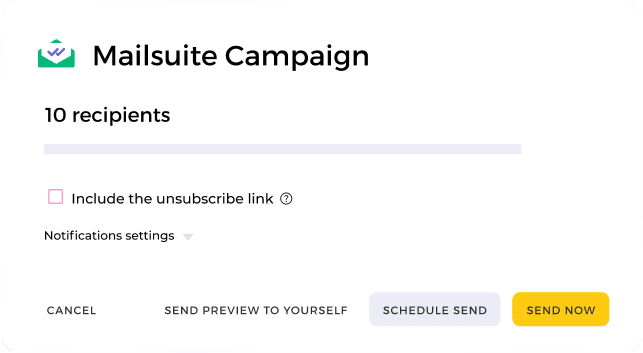
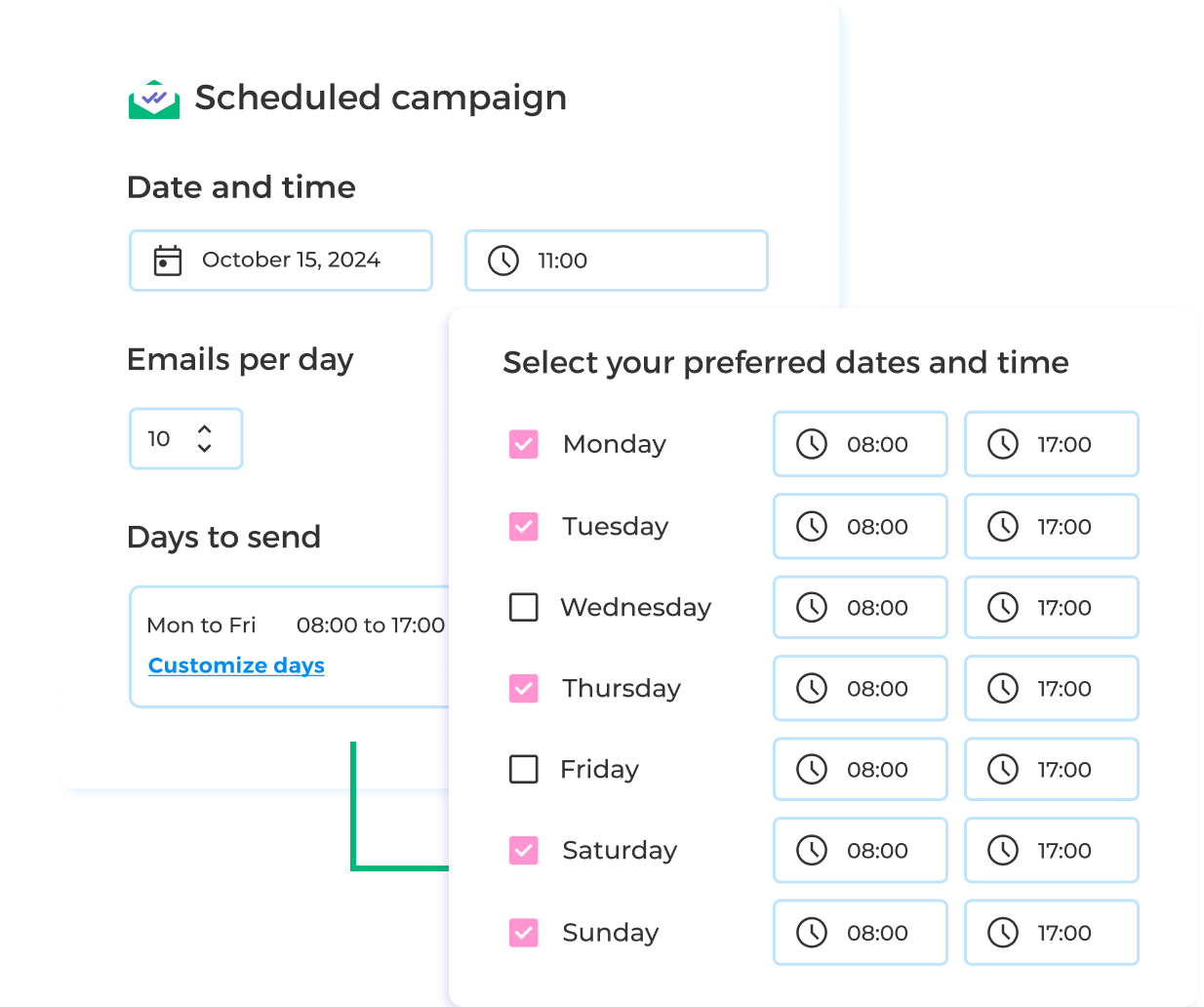
    Choose when to send your mail merge and decide how you want to be notified when your contacts interact with your message.

    Schedule the campaign

그 외 다양한 기능

Unlimited Tracking

See how each individual contact interacts with your mass email in real-time. Use that data to improve your future messaging.

Easy Personalization

Mailsuite makes personalization quick, easy, and impactful. Add as many custom merge fields as you'd like for up to 10,000 contacts.

Import Contacts Automatically from Google Sheets

Save time by syncing with Google Sheets and creating your mass email campaigns directly in Gmail.

Send relevant emails to relevant audiences

Mailsuite helps you comply with privacy regulations and build a solid sender reputation through bounce detection and automatic unsubscribe links.

Use Batch Sending for Mass Emails

Send up to 10,000 emails in a campaign without going against Gmail's sending limit and schedule bulk emails to send at the perfect time to increase engagement.

Campaign Analytics

Access your personalized dashboard to see full campaign results with simple and clean visualizations. Use your tracking data to improve future bulk email campaigns.

FAQ

Your Bulk Emails questions, answered

  1. What are bulk emails?

    Bulk emails are emails that are sent to a large list of people at the same time. They can be useful for businesses, schools, charities, and more. Sending bulk emails can help build your brand, foster relationships with past and current customers, and promote time-sensitive campaigns.
  2. Is sending bulk emails illegal?

    Sending bulk emails is not illegal as long as you follow relevant laws and the policies of your email provider. Bulk emails can be an effective part of your marketing strategy when done correctly. Mass spam campaigns, on the other hand, can get your email address flagged and could result in fines or other disciplinary measures.
  3. How can I send bulk email without getting blocked?

    It’s important to exercise caution when sending bulk emails in order to avoid getting blocked. Email scheduling and batch sending are examples of two methods Mailsuite uses to ensure your bulk emails successfully reach the inboxes of your recipients.
  4. What is the sending limit of Mailsuite?

    Mailsuite lets you send up to 1,000 emails simultaneously. However, it’s important to remember that Gmail also has its own limits. Mailsuite has no power over the sending limits Google imposes on your email. Learn more.
  5. Why is my email blocked?

    If your email has been blocked, it’s often very difficult to find the exact reason why. Gmail may block your emails due to suspicious spam activity, past spam issues from your domain, or even some words you use in your email messages that could indicate spammy content. In some cases, Gmail may block bulk emails but allow sending individual emails to the exact same recipients. This is why it’s extremely important to exercise caution when sending bulk emails and to ensure your emails are relevant to your audience. Learn more.

개인정보 및 보안 센터

Mailsuite와 Mailtrack 서비스는 전 세계 116,000명 이상의 유료 구독자와 기업으로부터 신뢰받고 있습니다.

더 보기

3,000,000명 이상의 Mailsuite 사용자와 함께 시작하세요

Get Mass Email For Gmail>>