Mailsuiteをインストール

PDF Document Tracking and Analytics

Seamlessly integrated with your gmail workflow.

  • Track PDF views and engagement metrics
  • Get real-time notifications on mobile and email when a recipient views your PDF
利用者数 +3M ユーザー

プロフェッショナルに使われています

high performer badge users loves us badge capterra best value 2025 capterra shortlist badge
Kyle Flynn
Kyle Flynn Owner/CEO Moonlight N'Stuff
We have a lot of emails that we send out to clients or prospects and it's helpful for us to know when they've opened it, when they read it, clicked on links, opened up documents because it keeps them accountable.
Alfredo Bernal
Alfredo Bernal Broker Associate Realty Austin
It helps to know whether your client is engaged in reading your stuff. I can track if they forward the email or click my attachment, which tells me whether I should spend more time or invest in providing them with more value.
Matt Bottoms
Matt Bottoms Scottsdale Christian Academy ディレクター
返信が来るのかどうか、アドレスが間違っていてメールが届いていないのかを何日も待って悩む必要がなくなりました。
Track Document Opens in Real-Time

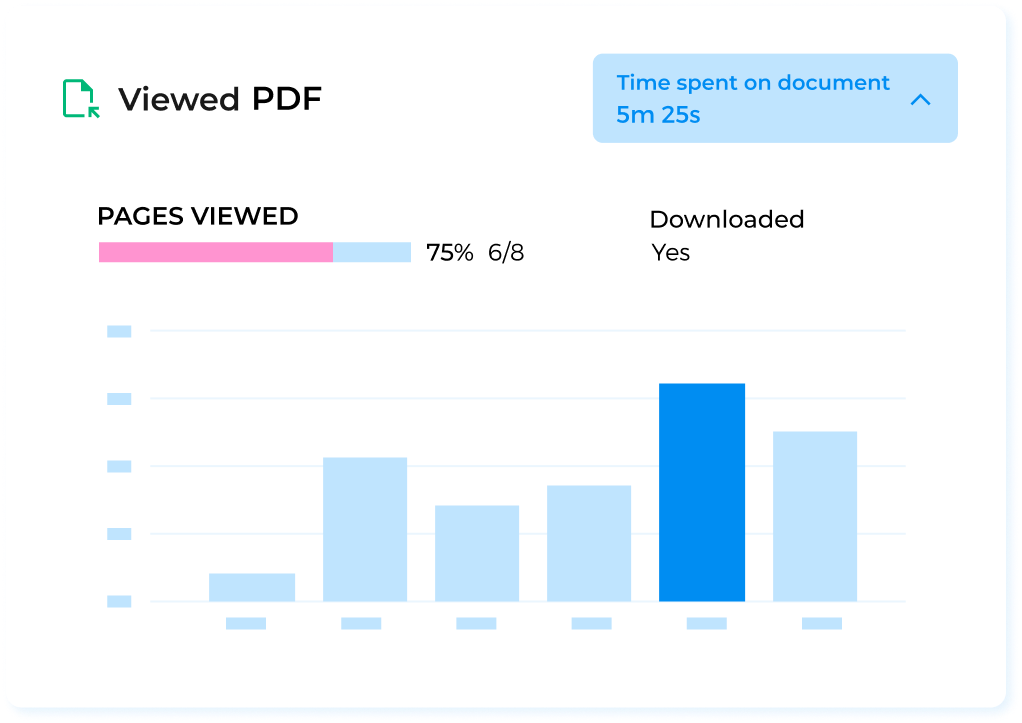
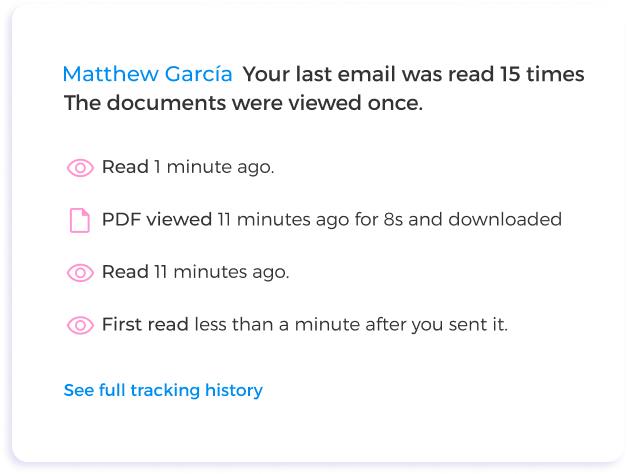
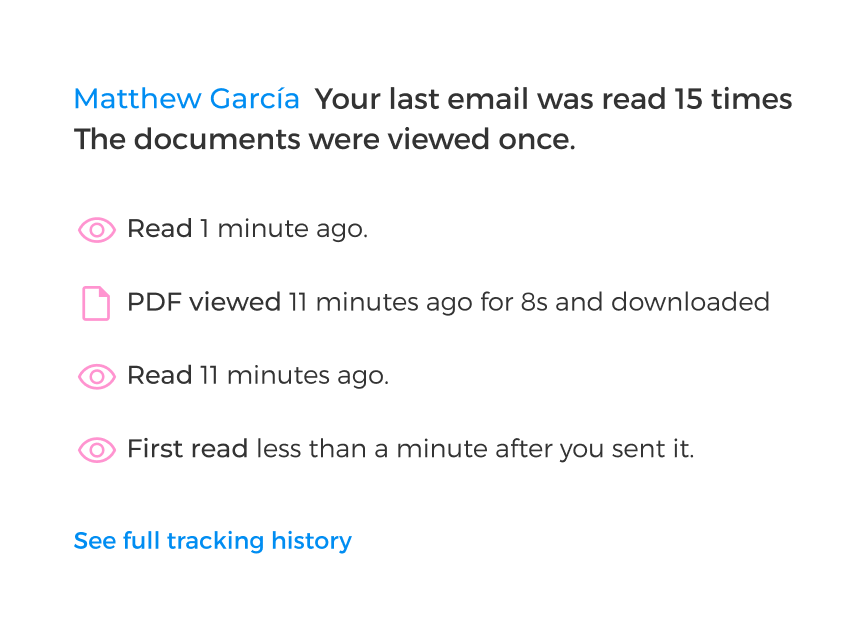
See what happens as soon as you hit Send. Track individual PDF opens, document downloads, and more with Mailsuite.

無料で始める

Receive Automatic PDF View Notifications

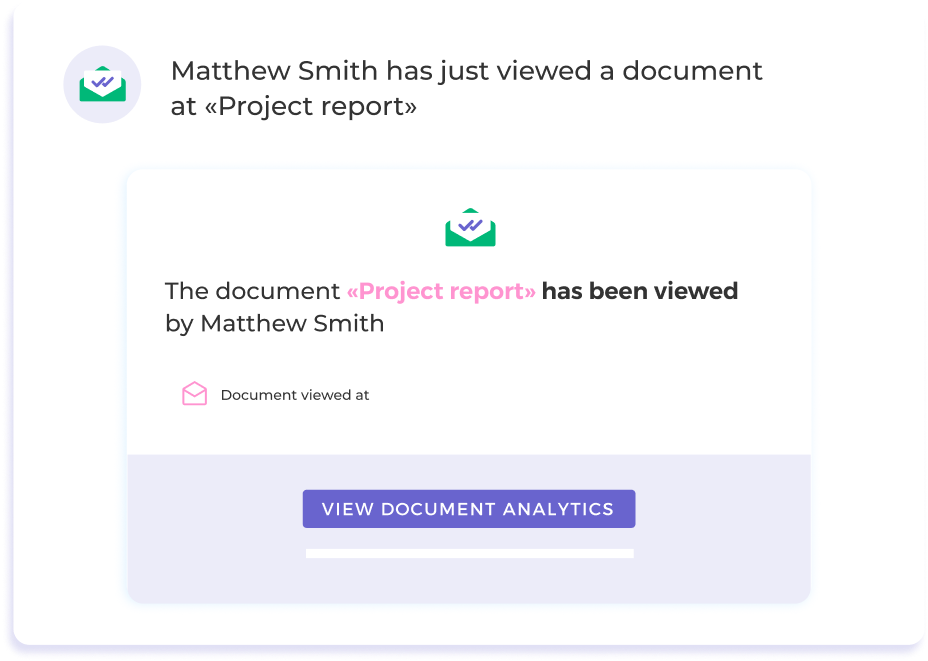
Stay up to date via push and email notifications that let you know exactly when someone opens your PDF document.

無料で始める

Document Analytics in One Dashboard

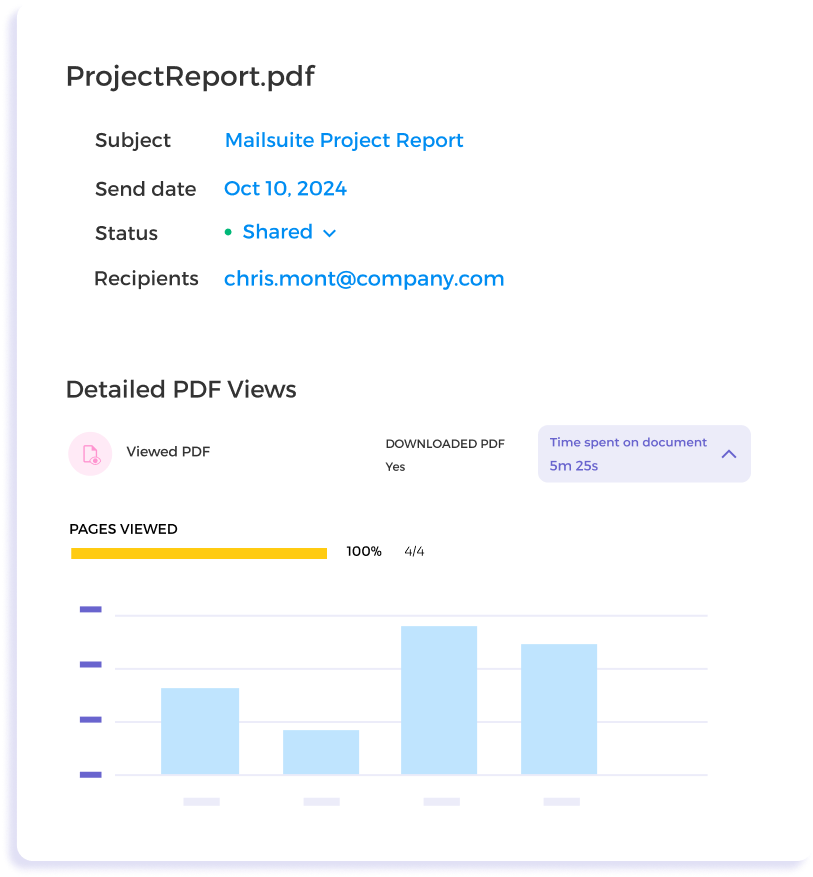
Access advanced analytics like view duration and page-by-page view statistics to understand how your audience interacts with your document.

無料で始める
あなたのニーズに合ったプランを選んでください
消費税・VATが適用される場合があります

Quick Start Guide to PDF Tracking and Analytics with Mailsuite

  • Step 1

    Attach Your PDF

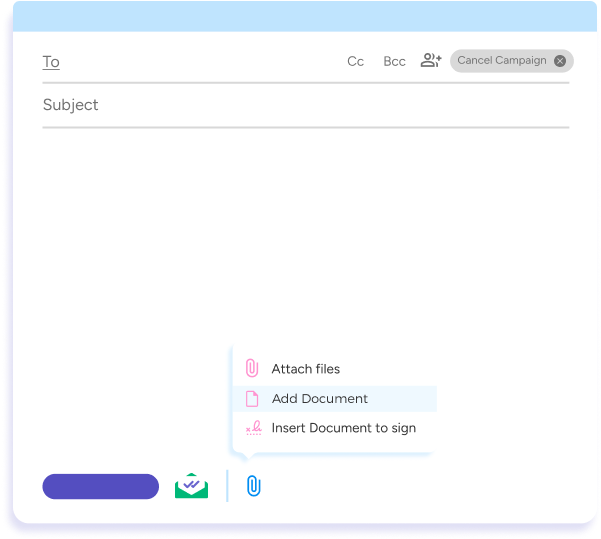
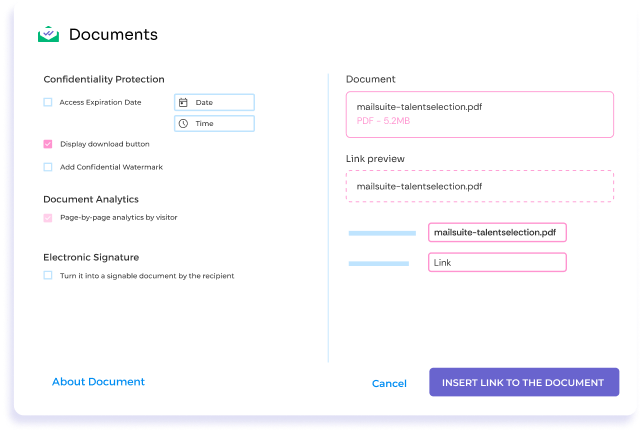
    Compose a new email in Gmail. To attach and track a PDF, click on the Attach button, then Add Document.

    Attach Your PDF
  • Step 2

    Set Up PDF Tracking and Access

    Decide who can access your PDF document, when and how they can access it, and enable page-by-page analytics for each recipient.

    Set Up PDF Tracking and Access
  • Step 3

    View Tracking Data Directly in your Inbox

    Receive real-time push and email notifications and review detailed document tracking analytics. Mailsuite integrates directly with your inbox so everything stays in one place.

    View Tracking Data Directly in your Inbox

その他にも多くの機能

Real-Time PDF View Tracking

Get push or email notifications as soon as your PDF is viewed.

Detailed Engagement Metrics

See view time and page-by-page metrics to understand how people interact with your document.

Multiple Document Tracking

Attach multiple PDFs to one email and track each document individually.

User-Friendly Dashboard

Centralize your tracking data into one easy-to-read dashboard.

Enhanced Security Measures

Control who accesses your document and how to protect your confidential information.

Integration Ease

Mailsuite works directly in Gmail, so tracking PDFs won’t interrupt your current workflow.

FAQ

Your PDF tracking and analytics questions, answered

  1. How do I track a PDF document using Mailsuite?

    In Gmail, when composing a new email, click on the Advanced Document button in the Mailtrack options or use the attach button in the Gmail composer. Select or upload the PDF you want to track. A pop-up will allow you to customize the tracking settings, including renaming the link, setting link styles, making the PDF signable, deciding on download permissions, and adding an expiry date
  2. Can I track multiple PDFs in a single email?

    Yes, Mailsuite allows you to track downloads for more than one PDF document in the same email. Currently, you need to add each document one at a time to the email
  3. Will I be notified if a PDF document has been forwarded?

    Mailsuite cannot detect if a PDF has been forwarded. Views from a forwarded PDF will be attributed to the original recipient of the email
  4. What analytics can I see with Mailsuite’s PDF Tracking?

    With Mailsuite, you get detailed insights into your PDFs’ performance, including:
    • View counts: How many times the PDF was opened.
    • Duration of views: How long someone viewed the PDF.
    • Page-specific engagement: Which pages were viewed and the percentage of the document covered.
    • Downloads: If and when the PDF was downloaded.
  5. How does Mailsuite help protect my PDF documents?

    Mailsuite enhances your PDFs’ security by enabling you to restrict downloads, set access expiration dates, and monitor for unauthorized access, ensuring that your documents are shared safely and securely

プライバシー&セキュリティセンター

MailsuiteおよびMailtrackのサービスは、世界中の116,000人以上の有料サブスクライバーと企業に信頼されています.

もっと読む

3,000,000人以上のMailsuiteユーザーに参加しよう

無料で始める>>